How to Check If Your Password Has Been Breached
Billions of passwords are available on dark web markets from years of data breaches. Find out how to check if yours are among them — and exactly what to do if they are.
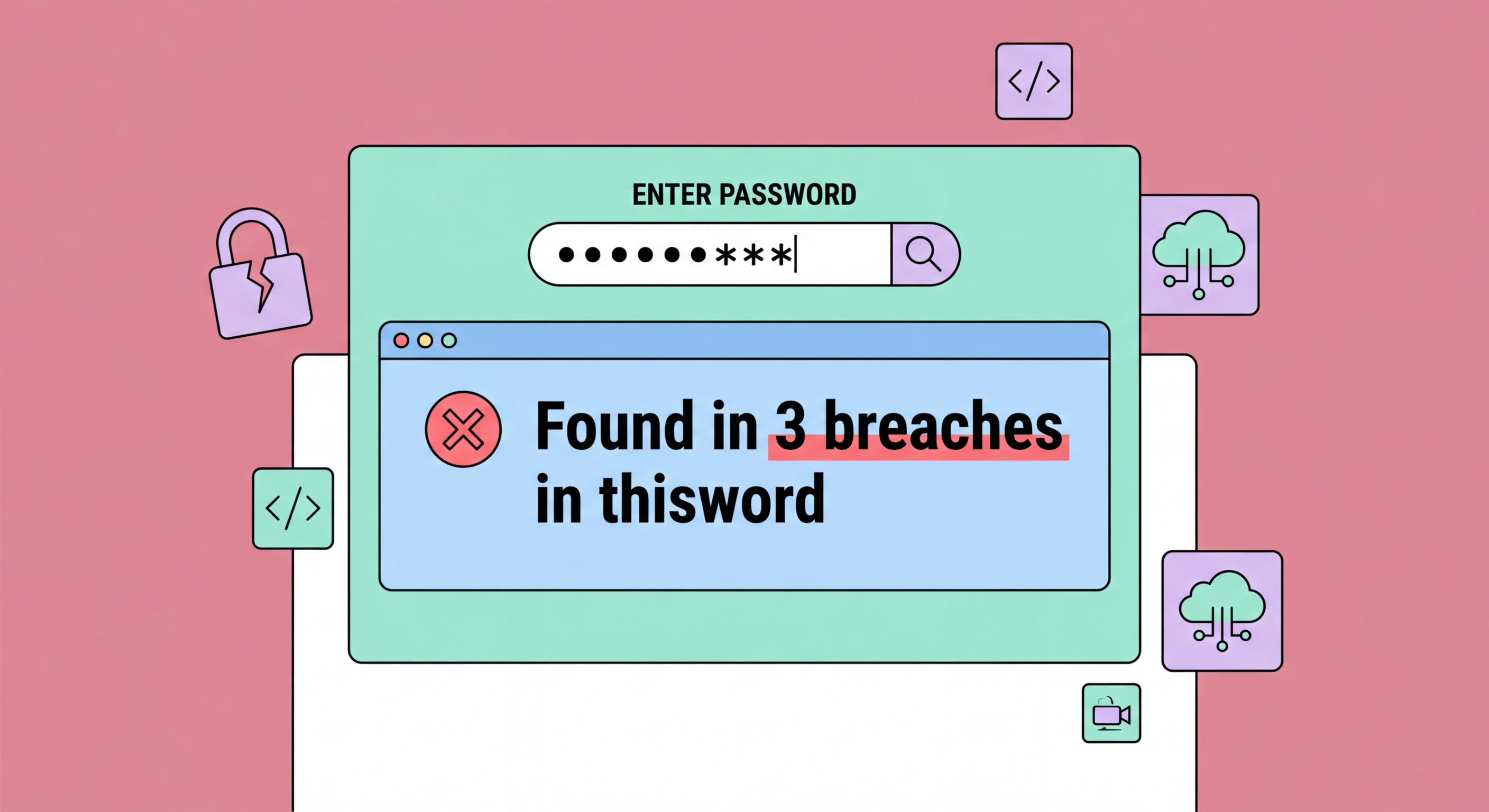
Billions of passwords are available on dark web markets from years of data breaches. Find out how to check if yours are among them — and exactly what to do if they are.
When a company or service is hacked, attackers often steal the database of user credentials — typically usernames (usually email addresses) and hashed or plaintext passwords. These stolen databases are subsequently shared or sold on dark web forums and marketplaces. Over time, many of these databases end up being compiled into aggregated collections containing billions of records from hundreds of breaches.
Have I Been Pwned (HIBP), operated by Australian security researcher Troy Hunt, is the most comprehensive public resource for checking whether your email address appears in known breach data. The service indexes breached databases and allows anyone to check whether their email address appears in any known breach — at the time of writing, the database contains over 13 billion accounts from more than 700 breaches. The service also allows you to check whether specific passwords appear in breach data, using a privacy-preserving k-anonymity technique that means you never send your actual password to the service.
Many major password managers now include built-in breach monitoring that continuously checks your stored credentials against breach databases and alerts you immediately when a match is found. This is significantly more convenient than manually checking each account and means you are notified of breaches typically within hours of the data being indexed, rather than finding out weeks or months later.

The most important check to perform is on your primary email address, as this is the account most likely to receive reset emails and the one most often used as a username across services. Go to haveibeenpwned.com and enter your primary email address. The service will tell you whether that address appears in any known breach, which breaches it appeared in, and what type of data was exposed (passwords, physical addresses, Your Phone Number">phone numbers, etc.). The check is free and safe — your email address is not stored.
To check whether a specific password has appeared in breach data, visit the passwords section of HIBP (haveibeenpwned.com/passwords) or use a password manager's integrated check. The service uses a technique called k-anonymity: you enter your password, the service hashes it locally and sends only the first five characters of the hash to the server, which returns all hash matches for that prefix. Your full password hash never leaves your device, making the check completely safe from a privacy standpoint. If your password appears in the breach data, the service will tell you how many times it was found across breached records.
For Hong Kong users, it is also worth checking specifically for local breaches. The Hong Kong Police Force's Cyber Security and Technology Crime Bureau and the Hong Kong Computer Emergency Response Team Coordination Centre (HKCERT) both issue alerts about breaches affecting local services. Subscribing to HKCERT's security alerts (at hkcert.org) provides advance warning of local incidents that may affect your accounts before they appear in global breach databases.

If you discover that your credentials have appeared in a breach, the urgency of your response should be proportional to the sensitivity of the affected account. For a breach involving a minor site you rarely use, changing the password within a day is reasonable. For a breach involving your primary email account, banking credentials, or anything connected to financial information, treat it as an emergency requiring immediate action — ideally within the hour.
The immediate actions are: change the password on the breached site to a new, unique password generated by your password manager; identify any other accounts where you used the same password and change those immediately (this is why reusing passwords is so dangerous — one breach becomes many); and enable two-factor authentication on the affected account and any accounts where you changed the reused password. If the breach involved payment card data, notify your bank, monitor for unauthorised transactions, and consider requesting a new card number.
After the immediate response, review your overall security posture. Run your password manager's security audit to identify any remaining reused or weak passwords. Consider whether you have adequate monitoring in place to catch future breaches quickly. Review what sensitive personal information was exposed in the breach — if your name, address, phone number, or HKID number was included, be vigilant for targeted phishing attempts in the weeks following, as attackers frequently use breach data to craft convincing personalised scams.

The most important insight from understanding data breaches is that some degree of breach exposure is essentially inevitable for anyone who uses online services regularly — companies you trust will eventually be compromised. The goal is not to prevent breaches (you have no control over that) but to limit the damage they can cause. With unique passwords for every account and two-factor authentication enabled, each breach is contained to a single account rather than cascading across your entire digital life.
Ongoing monitoring is the next layer of protection. Set up breach notifications in your password manager, subscribe to HIBP notifications for all your email addresses, and consider a service like Mozilla Monitor (free) or your manager's built-in dark web monitoring. These services proactively alert you when your credentials appear in newly identified breach data, often within hours, giving you the opportunity to respond before attackers can exploit the exposed credentials at scale.
Reducing your attack surface also helps. Audit the accounts you have created over the years and delete or deactivate those you no longer use. Every active account is a potential breach victim; an account you deleted five years ago cannot be compromised in a breach today. Use disposable or catch-all email addresses for less trusted sites (services like SimpleLogin allow you to create unique email addresses per site), and use unique usernames rather than your primary email address wherever possible, making it harder for attackers to correlate your accounts across breaches.
