Password Policies for Hong Kong Businesses
Weak password practices are behind most corporate data breaches. Learn how to build effective password policies for your Hong Kong SME — from complexity requirements to enterprise password management tools.
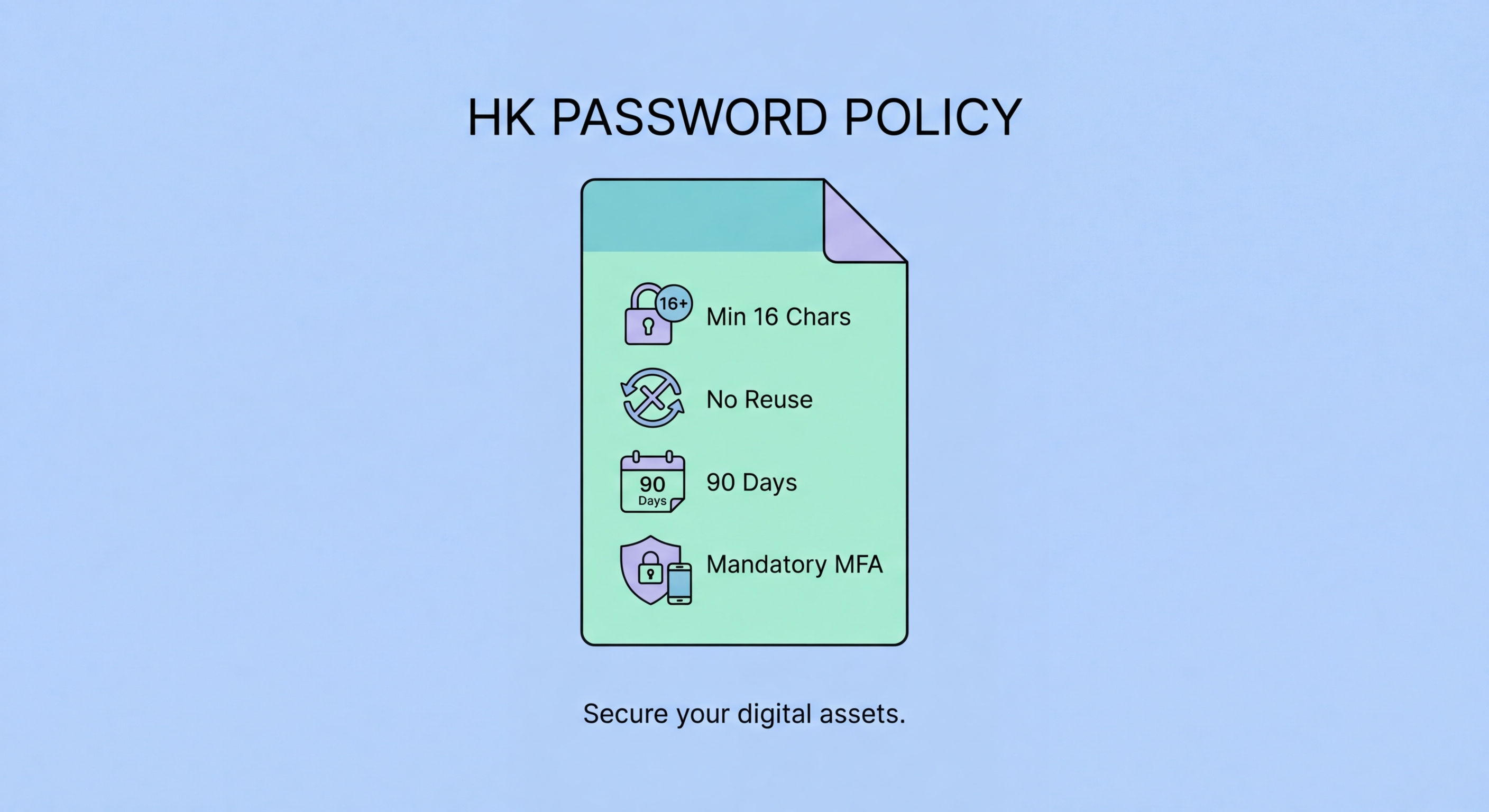
Weak password practices are behind most corporate data breaches. Learn how to build effective password policies for your Hong Kong SME — from complexity requirements to enterprise password management tools.
A password policy is a documented set of rules governing how employees create, manage, and protect passwords for business systems. Without a formal policy, individual employees make their own decisions about password security — decisions that are often driven by convenience rather than security. The result is a patchwork of weak, reused, and sometimes shared passwords that create significant risk for the organisation. In Hong Kong, where the Personal Data (Privacy) Ordinance imposes obligations on businesses to protect data, inadequate password controls can expose organisations to regulatory liability as well as operational risk.
Modern password policy guidance has shifted significantly from the outdated advice of mandatory periodic rotation and complex character requirements. The US National Institute of Standards and Technology (NIST) SP 800-63B guidelines, widely adopted internationally, now recommend: longer passwords (minimum 8 characters for user-chosen, but 12+ in practice), no mandatory periodic rotation unless there is evidence of compromise, no complexity rules that lead to predictable patterns, and checking new passwords against lists of known compromised credentials. The British NCSC has issued similar guidance.
The single most impactful policy change most Hong Hong Kong SMEs">Kong SMEs can make is mandating the use of an approved business password manager. This immediately eliminates the most common bad practices — reuse, weak passwords, insecure storage — without placing excessive burden on employees. Role-based access control (giving employees access only to the credentials they actually need) is the second highest-impact policy change, limiting the blast radius of any individual account compromise.

Many Hong for Hong Kong Businesses">Kong businesses still enforce the legacy policy of mandatory password rotation every 30, 60, or 90 days — a requirement that has been shown to be counterproductive. When employees are forced to change passwords frequently, they adopt predictable strategies to cope: appending a number to the same base password ("Password1" → "Password2" → "Password3"), using seasonal variations ("Summer2025" → "Winter2025"), or simply cycling back to previous passwords. These patterns are well-known to attackers and provide minimal additional security over simply never changing the password.
Mandatory rotation should be replaced with two better policies: first, change passwords immediately when there is evidence of compromise (breach notification, suspicious activity, or an employee's departure); second, require strong initial passwords that are less likely to need changing. An organisation whose employees use 20-character randomly generated passwords via a business password manager is far more secure than one that forces quarterly rotation of 8-character passwords.
Complexity rules — requiring uppercase, lowercase, numbers, and symbols — are similarly counterproductive when they lead employees to adopt predictable patterns. "Welcome@1" satisfies typical complexity requirements but appears in every password cracking dictionary. Better guidance is to set minimum length (12-16 characters), prohibit use of the organisation's name or commonly used words, and require that new passwords do not appear in known breach databases. Implement these checks technically through your Identity Provider or password manager integration rather than relying on policy alone.

The foundation of an effective business password policy is an enterprise password manager. Unlike consumer managers, business editions include administrative controls, team vaults, role-based access, and audit logging. Keeper Business, 1Password Teams, and Bitwarden for Business are the leading options suitable for Hong Kong SMEs. All three provide centralised admin consoles where IT managers can provision access, enforce policies (such as minimum master password strength or mandatory 2FA), and view security reports across the organisation.
Team vaults allow shared credentials — like social media management logins, shared SaaS subscriptions, and service account passwords — to be stored centrally with controlled access. Rather than circulating these credentials via email or WhatsApp, team members access them through the manager using their individual login. Audit logs record every access event: who opened which credential and when, providing accountability and a forensic trail if a security incident occurs.
For businesses with Active Directory or Azure AD environments, most enterprise password managers offer SCIM provisioning integration — meaning user accounts in the password manager are automatically created when new employees join Active Directory and deactivated when they leave. This dramatically reduces the risk of orphaned access credentials and ensures that departed employees cannot retain access to business systems through a forgotten password manager account.

A password policy is only as effective as its enforcement. Technical controls — minimum length requirements enforced at the system level, mandatory 2FA, and breach screening — are more reliable than policy documents alone, because they cannot be circumvented by employees who find security inconvenient. Where technical enforcement is not possible, training and awareness programmes are the next most effective intervention.
Onboarding is the most important moment for password security training. New employees receive system access during their first days and are most receptive to learning the organisation's security expectations before bad habits are established. Onboarding training should cover: the business password manager and how to use it, the company's specific password policy requirements, the process for reporting suspected credential compromises, and the acceptable use policy for work account credentials.
Regular phishing simulations are a particularly effective training tool for credential security. Simulations that mimic real credential phishing attacks — fake login pages designed to steal passwords — demonstrate to employees the concrete risk in a memorable way. Employees who "fail" a simulation receive immediate educational feedback and are more likely to scrutinise future login prompts carefully. HKPC's CyberSec Infohub offers guidance and resources for conducting security awareness training appropriate for Hong Kong businesses.
