Trojan Horse Malware Explained: How Trojans Work and How to Remove Them

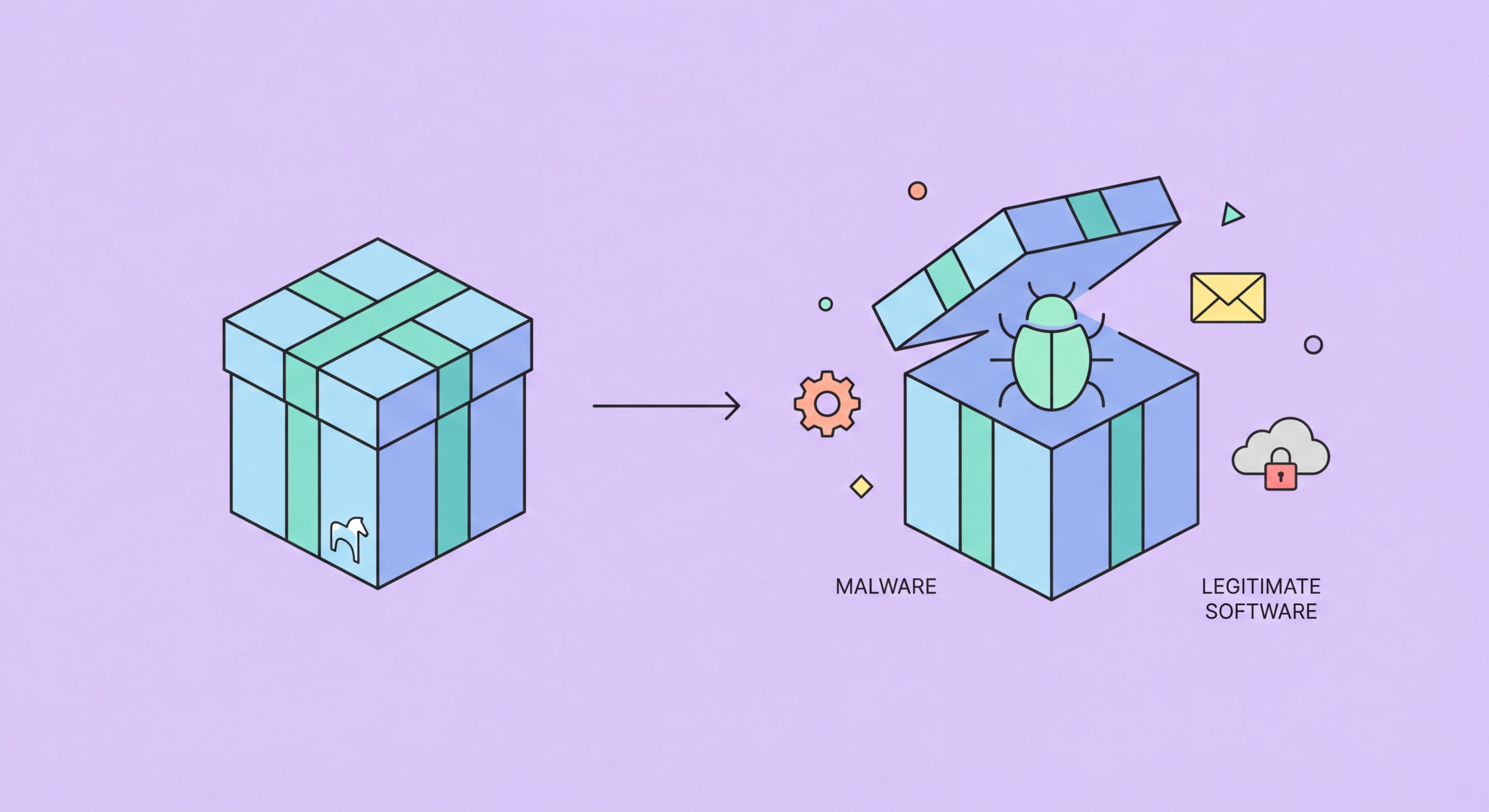
Trojans are malware disguised as legitimate software. Once installed, they open backdoors, steal credentials, install additional malware, or recruit your device into a botnet — all while appearing to be something useful.

Trojan horse malware explained
1What Trojans Are

What Trojan Malware Is and How It Differs from Viruses

A trojan horse (commonly shortened to "trojan") is malware that disguises itself as legitimate, desirable software to trick users into voluntarily installing it. The name references the Greek myth of the wooden horse used to smuggle soldiers into Troy — the defining characteristic is deception rather than self-replication. Unlike viruses and worms, which spread by infecting other files or replicating across networks, trojans rely entirely on social engineering: convincing the user that the malicious program is something they want to install. This distinction has practical implications for protection — defending against trojans requires both technical controls and user awareness, since by definition the user must be fooled into running the malware.

Trojans are distributed through a variety of deceptive channels. Fake software is the most common: cracked versions of paid software (games, productivity applications, creative tools) distributed on piracy sites and torrent networks frequently contain trojan payloads. Fake system utilities advertised as "PC speed boosters," "registry cleaners," or "driver updaters" are another common vehicle. Phishing emails deliver trojans as attachments disguised as invoices, shipping notifications, HR documents, or government notices. Malvertising — malicious advertisements on otherwise legitimate websites — can automatically download and execute trojans through browser vulnerabilities when users click or sometimes simply view the ad. Social engineering through messaging apps and social media (fake apps, "free gift" links) is increasingly effective on mobile platforms.

The payload capabilities of trojans vary widely depending on the attacker's objectives. Remote Access Trojans (RATs) provide the attacker with full remote control of the infected system — they can browse files, capture screenshots, record keystrokes, activate webcam and microphone, and execute arbitrary commands. Banking trojans specialise in financial credential theft, intercepting banking session data and sometimes performing real-time transaction manipulation in the browser (a technique called Man-in-the-Browser). Downloader trojans establish initial access and then download and install additional malware components from command-and-control servers. Bot trojans recruit the infected device into a botnet used for spam delivery, DDoS attacks, or cryptocurrency mining. Many modern trojans combine multiple capabilities.

  • Key Distinction: Trojans don't self-replicate — they rely on user deception to gain initial installation.
  • Fake Software: Cracked games/apps, fake utilities, and pirated software are primary distribution vectors.
  • Phishing Delivery: Email attachments disguised as invoices, documents, or notifications.
  • RAT: Remote Access Trojan — full remote control of infected system including camera and microphone.
  • Banking Trojan: Intercepts financial credentials and manipulates transactions in-browser.
  • Downloader Trojan: Initial access vehicle that downloads further malware from attacker infrastructure.
What trojan malware is
2Notable Trojan Families

Well-Known Trojan Families and Their Impact

Emotet began as a banking trojan in 2014 but evolved into one of the most sophisticated and destructive malware families ever documented. By the time it was disrupted by international law enforcement in 2021, Emotet had become primarily a malware distribution service: it infected systems through phishing emails, established persistence, and then sold access to compromised machines to other criminal groups who deployed ransomware (particularly Ryuk and Conti). Emotet was remarkable for its modular architecture and polymorphic capabilities that constantly changed its code signatures to evade detection. Its resurgence after the 2021 takedown demonstrated the resilience of these criminal operations.

TrickBot and its successor BazarLoader/BazarBackdoor are banking trojans that evolved into sophisticated initial access tools. TrickBot targeted financial institutions globally including multiple Hong Kong banks, using browser hooking to intercept banking credentials and two-factor authentication codes. Its modular architecture allowed operators to deploy different payloads — credential theft, network reconnaissance, or ransomware delivery — depending on the victim's value. Zeus (and its descendants SpyEye, Citadel, and others) represented the earlier generation of banking trojans that established the template still used today: browser hooking to intercept web form data before encryption, enabling credential theft even on HTTPS-protected banking sites.

On mobile platforms, banking trojans have become a significant threat to Android users. Anubis, Cerberus, and SharkBot are Android banking trojans that have specifically targeted Hong Kong banking apps. These trojans typically reach devices through fake apps on third-party app stores, malicious APKs distributed through messaging apps, or occasional brief appearances on the Google Play Store before removal. Once installed, they request Accessibility Service permissions (which provides the ability to read screen content and simulate taps) to overlay fake login screens over legitimate banking apps, capturing credentials as users enter them. The permission request for Accessibility Services is a major red flag — legitimate apps very rarely need this permission.

  • Emotet: Evolved from banking trojan to malware distribution service — primary delivery mechanism for Ryuk/Conti ransomware.
  • TrickBot: Banking credential theft plus initial access tool — targeted HK financial institutions specifically.
  • Zeus Family: Template for modern banking trojans — browser hooking to capture credentials before encryption.
  • Android Banking Trojans: Anubis, Cerberus, SharkBot — overlays fake login screens over legitimate HK banking apps.
  • Accessibility Service Abuse: Android trojans exploit Accessibility permissions to read screens and simulate input.
  • Modular Architecture: Modern trojans use pluggable modules — operators deploy different payloads based on victim value.
Notable trojan families
3Detection and Removal

How to Detect and Remove Trojan Infections

Detecting a trojan infection requires attention to both behavioural signs and technical indicators. Behavioural warning signs include: unexplained network activity (particularly outbound connections to unfamiliar IP addresses), processes in Task Manager you don't recognise that consume CPU or network resources, security software being disabled or blocked from updating, unfamiliar startup entries, and new user accounts appearing. On Windows, use Autoruns (Microsoft Sysinternals) to review all persistence locations — startup items, scheduled tasks, browser extensions, services, and drivers — which provides a far more comprehensive view than Task Manager's startup tab. Unexpected entries in Autoruns that lack publisher signatures or that reference files in temporary or AppData folders are suspicious.

For removal, modern antivirus products with up-to-date definitions detect the majority of known trojan families. Run a full system scan with your primary antivirus in Safe Mode (which prevents the trojan from actively running and interfering with the scan). Follow up with a Malwarebytes scan for a second opinion. For suspected banking trojans specifically, also run browser-cleaning utilities (browser reset, extension removal) as banking trojans typically install browser helper objects or hooks. After removal, all passwords accessed on the infected machine should be changed from a different device — assume any credentials used during the infection period may have been captured. Enable two-factor authentication on all financial and email accounts.

For mobile trojans on Android, the removal process depends on how deeply the trojan is embedded. Many Android trojans can be removed through Settings > Apps, locating the malicious app, revoking administrator privileges if granted, and uninstalling. However, some trojans install as system apps through rooted devices or through exploitation, making them much harder to remove without a factory reset. For banking trojan infections specifically, notify your bank immediately — many Hong Kong banks have fraud hotlines specifically for app-based attacks and can put temporary blocks on your account, and may provide additional guidance for their specific banking app. HKMA (Hong Kong Monetary Authority) guidance on banking security is available through the Hong Kong Monetary Authority website.

  • Autoruns Tool: Microsoft Sysinternals tool revealing all persistence mechanisms — more comprehensive than Task Manager.
  • Unsigned Processes: Processes without publisher signatures in suspicious directories are red flags.
  • Safe Mode Scan: Prevents trojan from running during detection/removal scan.
  • Banking Trojan Response: Notify your bank immediately — they have fraud teams for app-based attacks.
  • Password Change: Change all credentials from a clean device after confirmed trojan infection.
  • 2FA Activation: Enable two-factor authentication on financial and email accounts post-infection.
Trojan detection and removal
4Prevention

Preventing Trojan Infections: Practical Defence Measures

The most effective trojan prevention measure is refusing to install software from untrusted sources — which sounds straightforward but requires discipline against the temptation of free cracked software and unofficial app stores. Piracy sites and torrent networks distributing cracked software are the single largest distribution channel for trojan malware. The cost-benefit calculation is clear: the "savings" from a pirated application are trivially outweighed by the potential cost of credential theft, ransomware, or financial fraud. For professional software, legitimate alternatives (open-source equivalents, free tiers of paid tools, or legitimate licensing) are always preferable to cracked versions.

For Android users, restricting app installation to the Google Play Store and keeping the "Install Unknown Apps" permission disabled for all sources provides strong protection against the APK-based delivery mechanism used by most Android banking trojans. Treat any messaging app link that leads to an APK file with extreme scepticism — this is the most common delivery mechanism for mobile trojans in Hong Kong and across Southeast Asia. Legitimate apps from established developers are available in the Play Store; any version delivered outside it should be treated as potentially malicious. Similarly, on iPhone, Apple's closed ecosystem and App Store review process provide strong trojan protection — avoid any tool that claims to require disabling iOS security features.

Email hygiene prevents the majority of trojan delivery attempts. Don't open email attachments from unexpected senders, don't enable macros in Office documents from unverified sources (macro-enabled documents are a primary trojan delivery vector), and verify unusual financial requests or document requests through a channel other than email before acting on them. Use email filtering that scans attachments for malware — most quality paid antivirus suites include this. Keep all software updated, as many trojans are delivered through exploitation of vulnerabilities in browsers, Office applications, and Adobe products. A modern browser with up-to-date patches eliminates the vast majority of drive-by download delivery mechanisms.

  • No Piracy: Cracked software is the largest trojan distribution channel — use legitimate alternatives.
  • Play Store Only: Disable "Install Unknown Apps" on Android — blocks APK-based banking trojan delivery.
  • Disable Macros: Office document macros from unknown sources are a primary trojan delivery mechanism.
  • Email Attachment Caution: Verify unexpected attachments through alternative channels before opening.
  • Software Updates: Browser and application patches eliminate exploit-based trojan delivery vectors.
  • Antivirus Email Scanning: Scan email attachments before download — blocks known trojan payloads at delivery.
Complete malware removal guide →
Trojan prevention

Stop Trojans Before They Gain Access

A quality antivirus with behavioural detection catches trojan attempts before they install. Find the right protection for your devices.

Related VPN Articles