Secure Password Recovery: Protecting Your Reset Process

Password reset mechanisms are one of the most exploited attack vectors in account takeover. Attackers who cannot crack your password often target the recovery process instead — and many recovery setups are alarmingly weak.

Secure password recovery and reset process illustration
1Why Recovery Is Targeted

Why Password Recovery Is a Prime Attack Vector

A sophisticated attacker who cannot crack your strong password faces a problem — unless your account recovery mechanisms are weaker than the password itself. Password reset flows typically require access to a registered email address, a registered to Spot and Avoid Attacks on Your Phone">Your Phone Number">phone number for SMS codes, answers to security questions, or some combination of these. Each of these recovery methods is potentially compromisable: email accounts can be taken over; phone numbers can be SIM-swapped; security questions can often be answered using publicly available personal information.

The classic account takeover playbook often starts with the recovery mechanism rather than the password. An attacker who wants to access your banking account might begin by taking over the email address linked to it for password resets, then using that email access to request a password reset on the bank. Or they might obtain your phone number via a SIM swap attack (convincing your mobile carrier to transfer your number to a SIM they control), enabling them to receive your SMS reset codes. This is why securing your email account is foundational — it is the recovery mechanism for most other accounts.

Security questions represent a particularly weak link in many recovery systems. Questions like "What is your mother's maiden name?", "What city were you born in?", or "What was the name of your first pet?" can often be answered correctly by anyone who has done a few minutes of social media research on the target. Worse, many of these facts are static and permanently true — unlike a password, you cannot change your mother's maiden name if it is compromised. Systems that rely on security questions for password reset have significantly weaker security than those relying on email or TOTP-based verification.

  • Recovery weakness: A strong password with a weak recovery mechanism provides only as much security as the weaker recovery path
  • Email takeover path: Compromising your recovery email provides password reset access to every service linked to it
  • SIM swapping: Convince your carrier to transfer your number — then receive all SMS reset codes
  • Security question research: Social media provides answers to most common security questions with minimal effort
  • Static question answers: Unlike passwords, security question answers cannot be changed when exposed
  • Recovery as bypass: Sophisticated attackers specifically target recovery mechanisms when passwords are too strong to crack
Attack methods that bypass passwords via recovery →
Password recovery attack vectors email SIM swap
2Securing Recovery Methods

How to Secure Your Email, Phone, and Security Questions

Your primary email account is the most important account to secure because it serves as the recovery hub for almost everything else. It should have: the strongest password you manage (second only to your vault master password), two-factor authentication enabled using an authenticator app (not SMS), a recovery email or phone that is itself well-secured, and a strong account recovery passphrase stored securely. If your primary email is a Gmail account, enable Google's Advanced Protection Program for the highest available security level — it requires hardware security keys and significantly limits recovery options to prevent account takeover.

For phone number-based recovery, understand the SIM swap risk. SIM swap attacks succeed because mobile carriers' customer verification processes are sometimes circumventable with publicly available personal information. Mitigations include: adding a PIN or passcode to your carrier account (HKMA carriers including CMHK, HKT/PCCW, and SmarTone all offer SIM card PINs); using an authenticator app rather than SMS for 2FA wherever possible; and for the highest-value accounts, using recovery options that do not rely on your phone number at all.

Security questions should never be answered truthfully in systems that use them for password recovery. Instead, generate random strings as answers and store them in your password manager's notes field for that account. "What is your mother's maiden name?" might get the answer "Kx7mNqR2@vL9" in your vault — an answer that cannot be researched or guessed but is immediately available when you need it. This converts a historically weak mechanism into a much stronger one.

  • Secure your recovery email first: Strong password + authenticator app 2FA + secure account recovery — this protects everything downstream
  • Google Advanced Protection: For Gmail users, this programme provides maximum account security with hardware key requirements
  • Add carrier PIN: Contact your HK carrier (CMHK, HKT, SmarTone, CSL) to add a port-out PIN to prevent SIM swap
  • Use authenticator over SMS: SMS-based 2FA is vulnerable to SIM swapping — use TOTP apps instead
  • Random security question answers: Store random strings as answers in your vault — never use true answers
  • Review recovery methods: Audit all your critical account recovery settings in one session to identify and fix weak links
Security question mistakes and how to fix them →
Securing your recovery email and phone number
3Recovery Codes

Managing Recovery Codes and Backup Authentication

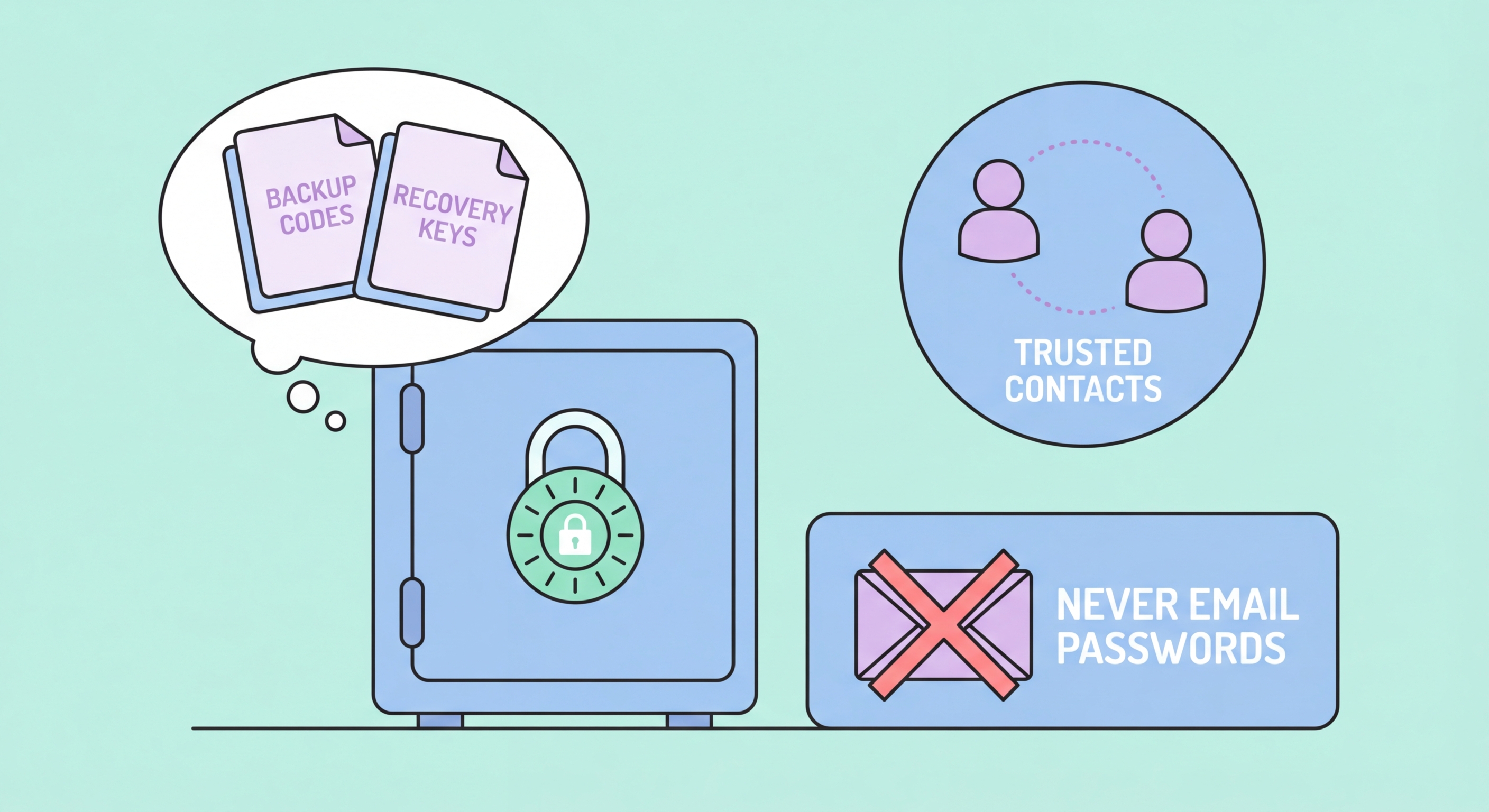
When you enable two-factor authentication on an account, most services provide a set of single-use backup recovery codes — typically 8-12 numeric or alphanumeric codes that can be used in place of your normal 2FA method if you lose access to your primary 2FA device. These codes are critical: if you lose your phone and do not have these codes, you may be permanently locked out of your account. They need to be stored in a way that is both secure (not easily stolen) and accessible (available when you need them even if your phone is lost).

The best place to store 2FA recovery codes for most accounts is in your password manager's secure notes — attached to the relevant account entry. This means your recovery codes are encrypted within your vault, accessible on any device where you can open the vault, and organised alongside the credentials they protect. The exception is the recovery codes for the password manager account itself, which must be stored separately (since you cannot access the vault if you are locked out of the manager) — these belong in a physically secure location alongside your master passphrase backup.

For critical accounts like your primary email and banking services, physical backup of recovery codes provides an additional safety net. Print or write down the codes for these highest-value accounts and store them in your fireproof safe or safety deposit box. The inconvenience of physical storage is justified for accounts that protect your financial and identity infrastructure. Review and regenerate recovery codes annually for high-value accounts, invalidating the old set and creating fresh ones.

  • Save recovery codes immediately: Download or copy recovery codes as soon as you enable 2FA — do not delay
  • Store in vault: Password manager secure notes is the best location for most account recovery codes
  • Manager recovery codes separate: Store your manager account's own recovery codes outside the vault — in physical backup
  • Physical backup for critical accounts: Email and banking recovery codes deserve physical fireproof safe backup
  • Annual regeneration: Regenerate recovery codes yearly for critical accounts — invalidates any previously exposed copies
  • Test recovery process: Periodically test that you can access your recovery codes and that they work as expected
Physical backup strategy for passwords and recovery codes →
Managing 2FA recovery codes securely
4Recovery Audit

Conducting a Complete Account Recovery Security Audit

A systematic recovery security audit reviews all your critical accounts' recovery settings in one session. Start with your primary email account — check what recovery email is registered, what phone number is registered, whether the recovery phone has its own SIM card PIN, and whether you have the account recovery passphrase stored securely. Make any necessary changes, then move to financial accounts: your primary bank, investment platforms, and PayMe or other e-wallet services.

For each critical account, document: what recovery methods are available; which you have enabled; where recovery codes are stored; and the date you last reviewed this information. This documentation does not need to be detailed — a simple entry in your password manager's notes for each account ("Recovery email: [address]. 2FA codes: in vault notes. Last reviewed: [date]") is sufficient. The act of documenting forces you to check each account and creates a reminder system for future reviews.

Ongoing recovery security maintenance is straightforward once the initial audit is complete. When you change a phone number, immediately update all account recovery settings before deactivating the old number — this is a frequently overlooked step that can lock you out of accounts or leave old, compromisable numbers as active recovery options. When you change your primary email address, similarly update all account recovery settings. Include a "recovery settings review" as part of your annual password security review cycle.

  • Start with email: Review Gmail/Outlook/Yahoo recovery settings first — this protects everything downstream
  • Document all recovery methods: Record what recovery methods are enabled for each critical account in vault notes
  • Check phone number validity: Ensure all registered phone numbers are still active and under your control
  • Update on number change: When changing phone numbers, update all recovery settings before deactivating the old number
  • Annual review: Include recovery settings in your yearly password security audit
  • Remove old recovery methods: Deregister old email addresses and phone numbers that are no longer used
Complete list of password security mistakes including recovery →
Account recovery audit checklist for Hong Kong users

Don't Let Recovery Be Your Weakest Link

A strong password is undermined by weak recovery options. Secure your recovery email, add a carrier SIM PIN, and store recovery codes properly.

Related VPN Articles