Phishing Targeting Hong Kong Bank Customers
How fraudsters craft convincing fake HSBC, Hang Seng, and BOCHK communications to steal your banking credentials and drain your accounts.
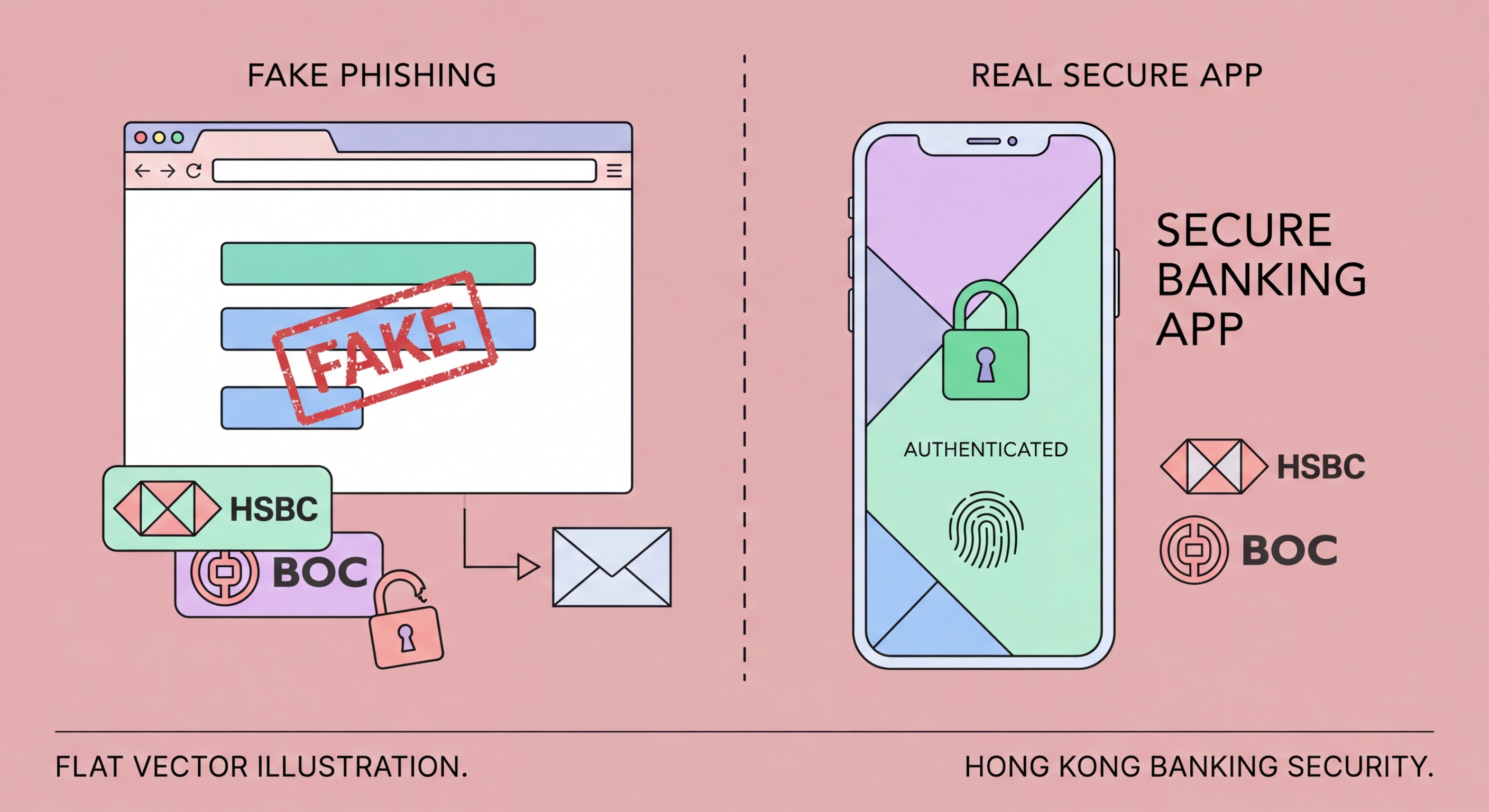
How fraudsters craft convincing fake HSBC, Hang Seng, and BOCHK communications to steal your banking credentials and drain your accounts.
Banking phishing campaigns targeting Hong Kong customers are professionally run criminal operations, not amateurish attempts. Criminal groups — many operating from across the border or from Southeast Asian scam compound regions — invest in high-quality email templates, near-perfect clones of bank websites, legitimate-looking domains, and even customer service infrastructure to handle victims who query the legitimacy of communications. The polish and attention to detail in modern HK banking phishes make them genuinely difficult to distinguish from authentic communications.
The technical infrastructure of a phishing campaign involves three key components. First, the phishing email itself: carefully crafted HTML emails using official bank logos, colour schemes, footer disclaimers, and legalese copied verbatim from genuine bank communications. Second, the phishing site: a cloned version of the bank's login portal hosted on a domain registered to mimic the real URL — perhaps "hsbc-hk-secure.com" or "hangseng-verification.net" — with a valid SSL certificate to display the padlock icon. Third, a real-time credential relay: automation that takes credentials entered on the phishing site and immediately tries them on the real bank portal, allowing the attacker to capture the OTP the victim's bank sends and relay it back, completing the login before the code expires.
Phishing messages exploit three primary psychological levers: urgency, fear, and curiosity. Urgency messages claim your account will be suspended or a transaction will proceed unless you act within a limited timeframe. Fear messages allege suspicious activity detected on your account, a failed login from a foreign location, or a compliance verification requirement. Curiosity messages offer rewards — a cashback payment, dividend, or lucky draw prize — requiring account verification to claim. All three lead to the same destination: a credential-stealing login page.

Identifying phishing messages requires systematic inspection rather than trusting visual appearance. Fraudsters can exactly replicate every visual element of a genuine bank email — logos, fonts, colours, disclaimer text — but they cannot replicate the bank's actual email domain without access to the bank's mail servers. The sender's email address is the most reliable first indicator: legitimate HSBC communications come from @hsbc.com.hk or @mail.hsbc.com.hk, not from @hsbc-notification.com or @secure-hsbc.net.
URL inspection is the second critical check. Hover over any link in a suspicious email (or long-press on mobile) before clicking to see the actual destination URL. Even if the displayed link text reads "www.hangseng.com", the actual URL may point to a completely different domain. The HTTPS padlock icon in your browser indicates the connection is encrypted but does not verify the site's identity — fraudsters register SSL certificates for their phishing domains routinely. Look specifically at the registered domain — the part immediately before .com, .net, or .hk — and compare it against the bank's official domain.
The content and language of phishing messages often contain subtle tells, particularly in bilingual English-Chinese phishes where translation quality may vary. Unusual urgency, generic greetings ("Dear Customer" instead of your name), requests to provide your full OTP or PIN number (genuine banks never ask for this), and offers that seem too generous are all warning signs. Genuine bank security alerts ask you to log in via the bank's official app or by typing the URL directly, not by clicking an email link.

Beyond human vigilance, several technical layers actively block banking phishing attacks before they reach you or before a click causes harm. Browser-based phishing protection — built into Chrome, Edge, Safari, and Firefox via Safe Browsing and SmartScreen technologies — compares URLs against continuously updated databases of known phishing sites and blocks access to identified threats. These systems block millions of phishing attempts daily but operate on a slight time delay: newly registered phishing domains may operate for hours or days before being flagged.
Email filtering technologies — particularly DMARC (Domain-based Message Authentication, Reporting, and Conformance), DKIM (DomainKeys Identified Mail), and SPF (Sender Policy Framework) — help mail servers verify that emails claiming to be from HSBC or Hang Seng actually originate from those banks' mail infrastructure. Major HK banks have implemented these standards, meaning properly configured email providers will reject or quarantine spoofed bank emails. However, free email providers' implementation of these checks varies, and sophisticated phishers increasingly use legitimate email infrastructure with purchased lookalike domains to bypass these checks.
Antivirus and internet security software from vendors including Kaspersky, Bitdefender, Norton, and Trend Micro include dedicated anti-phishing modules that inspect URLs in real time as you browse. These provide a valuable additional layer, particularly for zero-day phishing sites not yet listed in browser protection databases. Mobile security apps provide equivalent protection for smartphones — the primary device used for banking in Hong Kong. Enabling these on both mobile and desktop devices closes gaps that browser protection alone may miss.

Falling for a banking phishing attack is a medical emergency equivalent in terms of required response speed — every minute of delay allows fraudsters to complete further damage. The moment you realise you have entered your credentials on a fraudulent site, your priority is to change your banking password and revoke active sessions before attackers can establish persistent access or complete transfers. Most modern banking portals allow you to force-logout all sessions from within the security settings.
Call your bank's fraud hotline immediately after securing the account. Explain that you believe you have entered your credentials on a phishing site and that you require an account review for any unauthorised transactions or changes made in the preceding period. Banks can reverse or block pending transactions that have not yet been processed, can identify any new payees added, and can place additional verification requirements on your account while the investigation proceeds. Speed is critical — wire transfers processed by the time you call may be irrecoverable.
File a police report with the Cyber Security and Technology Crime Bureau (CSTCB) at 2527 7177 — this creates an official record, is typically required for bank reimbursement consideration, and contributes intelligence to ongoing investigations of criminal phishing operations. Forward the phishing email or SMS to your bank's anti-phishing team and to the HKMA to help get the phishing site taken down quickly, protecting future victims. Finally, monitor your account closely for weeks after the incident — sophisticated attackers may sit dormant on compromised accounts, waiting for an opportune moment to strike when your vigilance has decreased.
