Endpoint Security for Hong Kong Businesses
How to protect every device in your organisation — from Windows and Mac workstations to mobile phones and tablets — with the right mix of antivirus, EDR, MDM, and patch management.
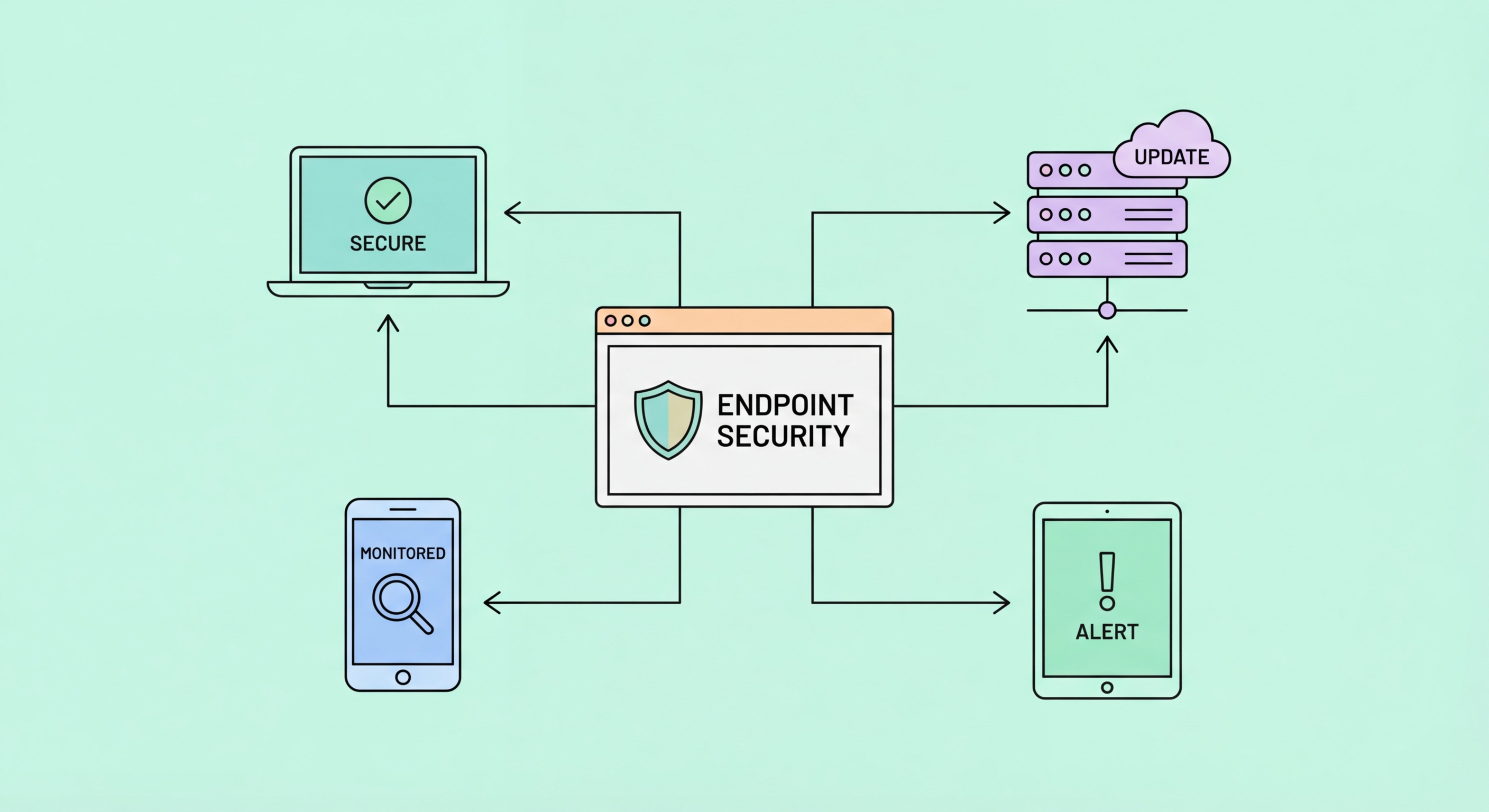
How to protect every device in your organisation — from Windows and Mac workstations to mobile phones and tablets — with the right mix of antivirus, EDR, MDM, and patch management.
Endpoints — laptops, desktops, smartphones, and tablets used by your employees — are the primary entry point for the majority of cyberattacks on Hong Kong businesses. Phishing emails that deliver malware are opened on endpoints. Ransomware executes on endpoints before spreading through the network. Credential-stealing software harvests banking and cloud application credentials from endpoint browsers. Physical device theft exposes sensitive data stored locally. The endpoint is where the human-technology interface creates the attack surface that adversaries consistently exploit.
The endpoint security landscape has evolved significantly from the traditional antivirus model. Legacy antivirus products detect known malware by comparing files against signature databases — an approach that works for known threats but fails against novel malware, fileless attacks, and legitimate tools used maliciously (living-off-the-land techniques). Modern endpoint protection platforms (EPP) and endpoint detection and response (EDR) solutions use behavioural analysis, machine learning, and memory scanning to detect previously unknown threats and provide visibility into what is happening on endpoints across the organisation.
For Hong Kong businesses, the threat from targeted malware — particularly banking trojans and remote access tools (RATs) deployed against businesses in HK's financial and professional services sectors — requires endpoint security that goes beyond signature-based detection. EDR solutions provide the visibility and response capability needed to detect and contain sophisticated threats that legacy antivirus would miss. The cost differential between EPP and EDR has narrowed significantly — major vendors now bundle EDR capabilities into products accessible to SME budgets.

The right endpoint security product for your Hong Kong business depends on your team's technical capability, budget, and the level of threat sophistication you face. Microsoft Defender for Business — included in Microsoft 365 Business Premium — provides integrated antivirus, EDR, and device management with the significant advantage of being built into the Microsoft platform most HK businesses already use. Its Defender for Business tier (designed for SMEs with up to 300 employees) offers capabilities previously only available in enterprise plans, including threat and vulnerability management, automated investigation and response, and centralised security dashboard.
For businesses seeking best-in-class EDR regardless of platform, CrowdStrike Falcon Go and Falcon Pro offer industry-leading detection at price points accessible to SMEs. SentinelOne Singularity and Malwarebytes for Teams are alternatives with strong HK channel presence. Trend Micro's Worry-Free Business Security — popular with HK SMEs for its local support and bilingual interface — provides solid protection including cloud-based endpoint detection. Evaluation criteria should include: false positive rate (high false positives create alert fatigue), detection efficacy against current HK threat campaigns, management interface complexity, and local technical support availability.
Deployment and management discipline determines whether endpoint security is actually effective. Endpoint security that is installed but not actively monitored, has outdated threat intelligence due to missed updates, generates unreviewed alerts, or has policy exceptions that reduce protection provides false confidence. For SMEs without dedicated security operations, managed detection and response (MDR) services — where a security provider monitors EDR alerts 24/7 and responds on your behalf — extend the capability of advanced endpoint security without requiring in-house security operations expertise. Several HK-based MSSPs offer EDR-backed MDR services at SME-accessible price points.

Patch management — the systematic process of applying security updates to all operating systems, applications, and firmware — is arguably the single most impactful endpoint security practice available to HK businesses. The majority of successful ransomware attacks and endpoint compromises exploit vulnerabilities for which patches have been available for weeks, months, or years. A business that consistently applies patches within 14 days of release eliminates the majority of technically-exploited attack pathways. Organisations that fall months behind on patching are systematically vulnerable to the entire library of known exploits.
Windows patching can be largely automated through Windows Update for Business (GPO or Intune-managed) or Windows Server Update Services (WSUS) for on-premises management. macOS patching is managed through Jamf or MDM solutions for corporate fleets, with System Preferences auto-update settings for smaller environments. Third-party application patching — browsers, Adobe products, Java, and other commonly installed applications — requires additional tooling because Windows Update only covers Microsoft software. Solutions like Patch My PC, Action1, and NinjaRMM automate third-party application patching at affordable per-seat costs.
Patching governance — the policies and processes that ensure patches are applied systematically and their application is verified — separates organisations that effectively manage vulnerability exposure from those that have patch management tools installed but not functioning correctly. Monthly patch audits, comparing the installed patch level of all endpoints against the current security update level, identify machines that have fallen behind. Patch compliance reporting to management provides accountability. Exceptions process for systems that cannot be patched immediately (legacy systems, operational technology) requires compensating controls documentation.

Endpoint hardening reduces the attack surface by disabling unnecessary services, enabling security features, and applying secure configurations that eliminate vulnerabilities before attackers can exploit them. The CIS (Center for Internet Security) Benchmarks provide specific, tested hardening recommendations for Windows, macOS, and common applications — freely downloadable and widely used as the standard reference for endpoint hardening. Microsoft's Security Baselines provide similar guidance specifically for Windows and Microsoft applications, deployable via Group Policy or Microsoft Intune.
Key endpoint hardening measures for HK businesses include: enabling BitLocker (Windows) or FileVault (macOS) full-disk encryption on all devices, disabling AutoRun and AutoPlay features that execute files automatically from USB drives, configuring application allowlisting or at minimum disabling execution from user-writable directories (where malware typically lands), enabling Windows Firewall with a restrictive outbound policy, disabling unnecessary services (remote registry, Telnet, insecure legacy protocols), and configuring secure browser settings through Group Policy or MDM.
Application control — restricting which applications can execute on corporate endpoints — is one of the most effective ransomware prevention controls. The HKPC and Australian Cyber Security Centre both identify application allowlisting as among the highest-impact security controls for preventing ransomware. Windows Defender Application Control (WDAC), AppLocker, and third-party solutions like Carbon Black App Control implement this. While full allowlisting is operationally demanding, simpler approaches — blocking execution from %temp%, %appdata%, and other user-writable directories — prevent most commodity ransomware delivery mechanisms at low operational cost.
