Cloud Security for Hong Kong SMEs: A Practical Guide

How to secure your cloud environment — Microsoft Azure, AWS, Google Cloud, and SaaS applications — with practical guidance for Hong Kong small and medium businesses without dedicated cloud security teams.

Cloud security for SMEs Hong Kong
1Shared Responsibility Model

The Cloud Shared Responsibility Model Explained

The most important concept for understanding cloud security is the shared responsibility model. Cloud providers (AWS, Microsoft Azure, Google Cloud) take responsibility for securing the underlying infrastructure — the physical hardware, the hypervisor layer, the network infrastructure, and the core platform services. The cloud customer — your business — is responsible for everything built on top of that infrastructure: your data, your access management, your application configuration, your network settings, and your compliance obligations. Misunderstanding this boundary is the root cause of many cloud security incidents.

For Software-as-a-Service (SaaS) applications — Microsoft 365, Google Workspace, Salesforce, Xero, and similar cloud-delivered applications — the provider manages more of the stack, but the customer still retains responsibility for identity and access management (who has access to what), data configuration (what data is shared and with whom), and security settings (whether MFA is required, what retention policies are configured). "It's in the cloud so the provider handles security" is a dangerous and incorrect assumption that has led to significant data breaches at Hong Kong businesses.

Identifying the specific security responsibilities your business holds for each cloud service you use is the starting point for cloud security. A cloud security inventory — listing each SaaS and IaaS service, the provider's responsibility, and your business's specific responsibilities — provides clarity that is prerequisite to effective cloud security management. The HKPC's cloud security guidelines provide a framework appropriate for HK SMEs, and each major cloud provider publishes detailed shared responsibility documentation that specifies exactly where provider responsibility ends and customer responsibility begins.

  • Provider secures infrastructure: Cloud providers are responsible for the physical infrastructure, hypervisor, and platform — not your data, configurations, or access management
  • Customer secures everything on top: Your business is responsible for data, identities, application configuration, network settings, and security controls in cloud environments
  • SaaS responsibility still exists: Even for fully managed SaaS, customers are responsible for access management, security settings, and data configuration
  • Cloud security inventory: List each cloud service with the provider's responsibilities and your business's specific responsibilities — clarity is prerequisite to action
  • No automatic PDPO compliance: Using a cloud provider does not automatically satisfy PDPO obligations — you remain the data user responsible for PDPO compliance
  • Data residency awareness: Understand where your cloud data is physically stored — providers offer Hong Kong or Asia-Pacific data residency options that may be relevant for regulatory compliance
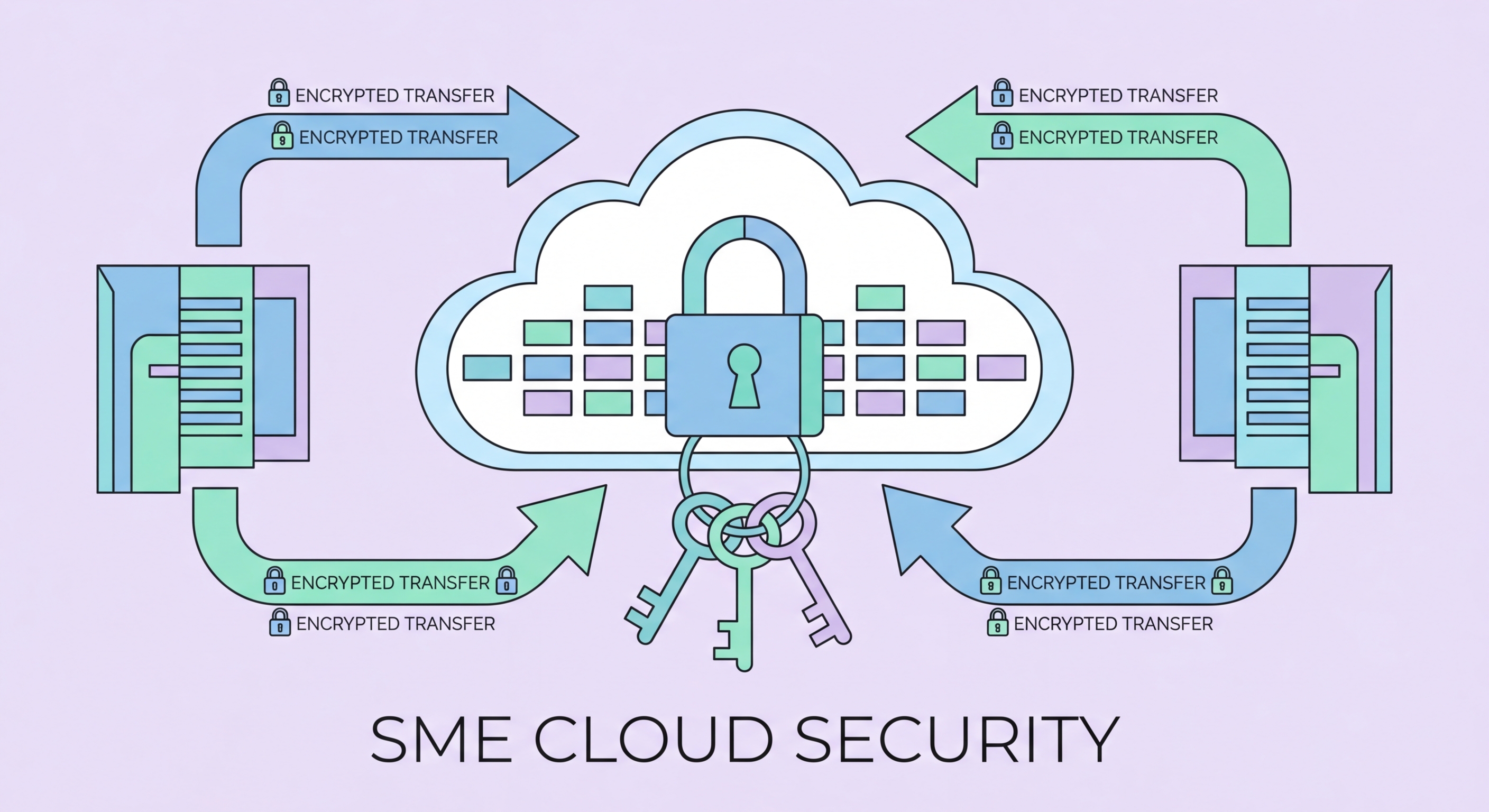
Cloud shared responsibility model
2Identity and Access Management

Cloud Identity and Access Management for HK Businesses

Identity is the new perimeter in cloud environments. Where traditional IT security relied on network firewalls to control access to resources, cloud resources are accessible from anywhere with valid credentials. This makes identity and access management (IAM) the most critical security domain in cloud environments. Strong IAM prevents unauthorised access even when attackers obtain valid credentials; weak IAM means any compromised account provides extensive access to cloud resources.

For Microsoft 365 and Azure environments — the most common cloud platform for Hong Kong businesses — Microsoft Entra ID (formerly Azure Active Directory) is the central identity service. Key Entra ID security configurations for HK SMEs: enable MFA for all users (not just administrators) using Microsoft Authenticator push notifications or FIDO2 keys; configure Conditional Access policies that require compliant devices or additional verification for access from unfamiliar locations; enable Entra ID Protection which uses Microsoft's machine learning to detect and respond to suspicious sign-in activity; disable legacy authentication protocols (SMTP AUTH, Basic Auth) that bypass modern authentication controls.

Privilege minimisation in cloud environments addresses a common configuration error: over-permissioned accounts and service identities. Global Administrator accounts in Microsoft 365 should be limited to 2-3 named individuals for emergency use, not used for day-to-day administration. AWS root account access should be protected with hardware MFA keys and never used for routine operations. IAM roles with least-privilege permissions should be assigned to applications and services rather than using administrator credentials. Regular access reviews — auditing who has which permissions in cloud environments — catch permission creep that accumulates over time as roles change.

  • MFA for all cloud accounts: Enable MFA for every user account in Microsoft 365, Google Workspace, and any cloud platform — not just administrators
  • Conditional Access policies: Configure policies requiring additional verification from unfamiliar locations, unmanaged devices, or risky sign-in patterns
  • Disable legacy authentication: Block legacy authentication protocols (SMTP AUTH, Basic Auth) that bypass modern MFA controls — a common attack pathway
  • Limit global admin accounts: Restrict Global Administrator or equivalent super-admin accounts to 2-3 people for emergency use — use dedicated role accounts for day-to-day tasks
  • Least-privilege IAM roles: Assign applications and services minimum-required IAM permissions rather than administrator or owner roles
  • Quarterly access reviews: Conduct quarterly reviews of all user and service account permissions — remove access that is no longer needed
Cloud identity and access management
3SaaS Security

Securing SaaS Applications Used by HK Businesses

Most Hong Kong SMEs rely on a growing portfolio of SaaS applications — Microsoft 365, Google Workspace, Xero or QuickBooks Online, Salesforce or HubSpot, Slack or Teams, project management tools, and HR systems. Each of these applications holds sensitive business data and requires specific security configuration. The challenge for SMEs is that each SaaS vendor presents a different security settings interface, at different levels of complexity, with different default configurations that may or may not represent good security practice.

A pragmatic approach to SaaS security for HK SMEs focuses on three configuration areas for each application: access control (who can log in, using what authentication method, from which devices), data sharing controls (what data can be shared externally, with whom, and under what conditions), and audit logging (whether security-relevant events are logged and monitored). Most enterprise-grade SaaS products have security configuration centres or trust portals that consolidate these settings. For Microsoft 365, Microsoft's Secure Score provides a specific security improvement roadmap with clear prioritised recommendations.

Third-party application integrations — OAuth connections between SaaS applications that allow one application to access data in another — create shadow IT risk in cloud environments. Employees routinely authorise third-party apps to access corporate Google Workspace or Microsoft 365 data without IT awareness. A rogue or poorly secured third-party application with access to your corporate email or files is a significant data exposure risk. Periodically reviewing and revoking unused third-party application authorisations in Google Workspace Admin Console or Microsoft 365 Admin Center prevents accumulation of these implicit permissions.

  • Microsoft Secure Score: Use Microsoft 365's built-in Secure Score to identify and prioritise security improvements in your Microsoft cloud environment
  • SaaS security configuration review: Review the security settings of each major SaaS application annually — use vendor security checklists as a guide
  • External sharing controls: Configure data sharing settings in each SaaS application to restrict external sharing to authorised domains only
  • Audit log retention: Enable and retain audit logs for all critical SaaS applications — Microsoft 365 logs must be explicitly enabled and have default 90-day retention that may be insufficient
  • Third-party app review: Quarterly review and revocation of unused third-party OAuth app authorisations in Microsoft 365 and Google Workspace
  • Data loss prevention: Enable DLP policies in Microsoft 365 or Google Workspace to detect and block transmission of sensitive data types (financial data, personal data) outside the organisation
SaaS application security
4Cloud Data Protection

Data Protection and Backup in Cloud Environments

A critical misunderstanding among many Hong Kong businesses is that cloud providers back up your data. Cloud providers protect their infrastructure from failure — they guarantee the availability and durability of their storage services — but they do not protect against user-initiated deletion, ransomware encryption of cloud-synced files, or accidental overwrites. Microsoft, Google, and AWS all explicitly state that data backup is the customer's responsibility. Many HK businesses have discovered this distinction too late, after accidental deletion or ransomware encrypted their cloud-synced files.

Protecting Microsoft 365 data requires third-party backup because Microsoft's native retention policies are designed for compliance purposes (preventing premature deletion) rather than data recovery. Products including Veeam Backup for Microsoft 365, Datto SaaS Protection, and AvePoint Cloud Backup provide point-in-time recovery of Microsoft 365 mailboxes, SharePoint files, OneDrive, and Teams data independent of Microsoft's retention settings. Similarly, Google Workspace data should be backed up using third-party solutions that provide granular recovery at the item level.

Immutable backups — backup copies that cannot be modified or deleted, even by administrators — are the critical defence against ransomware variants that target backup systems. Ransomware operators increasingly identify and encrypt or delete backup copies before deploying their main ransomware payload, ensuring victims have no recovery option. Backup solutions that support immutable storage (Object Lock in AWS S3, Azure Blob immutability policies, or backup platforms that implement WORM storage) preserve recovery capability even when ransomware operators systematically target backup infrastructure.

  • Cloud providers don't back up your data: Microsoft, Google, and AWS protect infrastructure but not against user deletion, ransomware, or overwrite — backup is your responsibility
  • Microsoft 365 third-party backup: Implement Veeam, Datto, or AvePoint backup for Microsoft 365 mailboxes, SharePoint, OneDrive, and Teams data
  • Immutable backup storage: Use immutable backup configurations that prevent deletion or modification by ransomware operators — critical for recovery capability
  • Backup testing: Test restoration from cloud backups quarterly — many backup failures are only discovered during actual recovery attempts
  • Recycle bin retention settings: Configure Microsoft 365 and Google Workspace recycle bin retention to the maximum available period — provides a first-line recovery option for accidental deletion
  • Version history: Enable version history on SharePoint and OneDrive/Google Drive at sufficient depth to recover from ransomware encryption of cloud-synced files
Cloud data backup and recovery

Secure Your Business in the Cloud

Explore all articles in our Business Security library for comprehensive guidance on every aspect of protecting your Hong Kong business.

Related VPN Articles