How to protect your organisation's email from business email compromise, phishing attacks, and domain spoofing — covering technical controls, procedural defences, and incident response for Hong Kong businesses.
Email remains the most exploited attack vector against Hong Kong businesses. Despite advances in security technology, email's open architecture — designed for interoperability, not security — creates persistent vulnerabilities. Three primary email-based threats cause the majority of financial and operational damage to HK organisations: business email compromise (BEC), which exploits email to initiate fraudulent financial transactions; phishing, which uses email to steal credentials or deliver malware; and domain spoofing, which allows attackers to send emails appearing to come from your organisation's domain.
Business email compromise has become the highest-loss cybercrime category for Hong Kong businesses. Attackers either compromise a legitimate business email account (by stealing credentials or exploiting a vulnerability) or impersonate a business account through domain spoofing or lookalike domains. Once they have a convincing email identity, they manipulate recipients — typically accounts payable staff, CFOs, or payroll administrators — into initiating fraudulent wire transfers, changing vendor banking details, or redirecting payroll payments. The FBI's IC3 reports that BEC losses exceed all other cybercrime categories combined globally, and Hong Kong's dense commercial email environment makes it a high-value target.
Phishing targeting HK business email addresses delivers both credential-stealing pages (fake Microsoft 365 login pages that harvest corporate credentials) and malware payloads (ransomware, banking trojans, and RATs delivered through malicious attachments or links). Corporate email accounts are particularly valuable targets because they provide access to sensitive business communications, internal systems via SSO (Single Sign-On), and the social engineering leverage of a trusted business identity that can be used to attack your customers and partners.
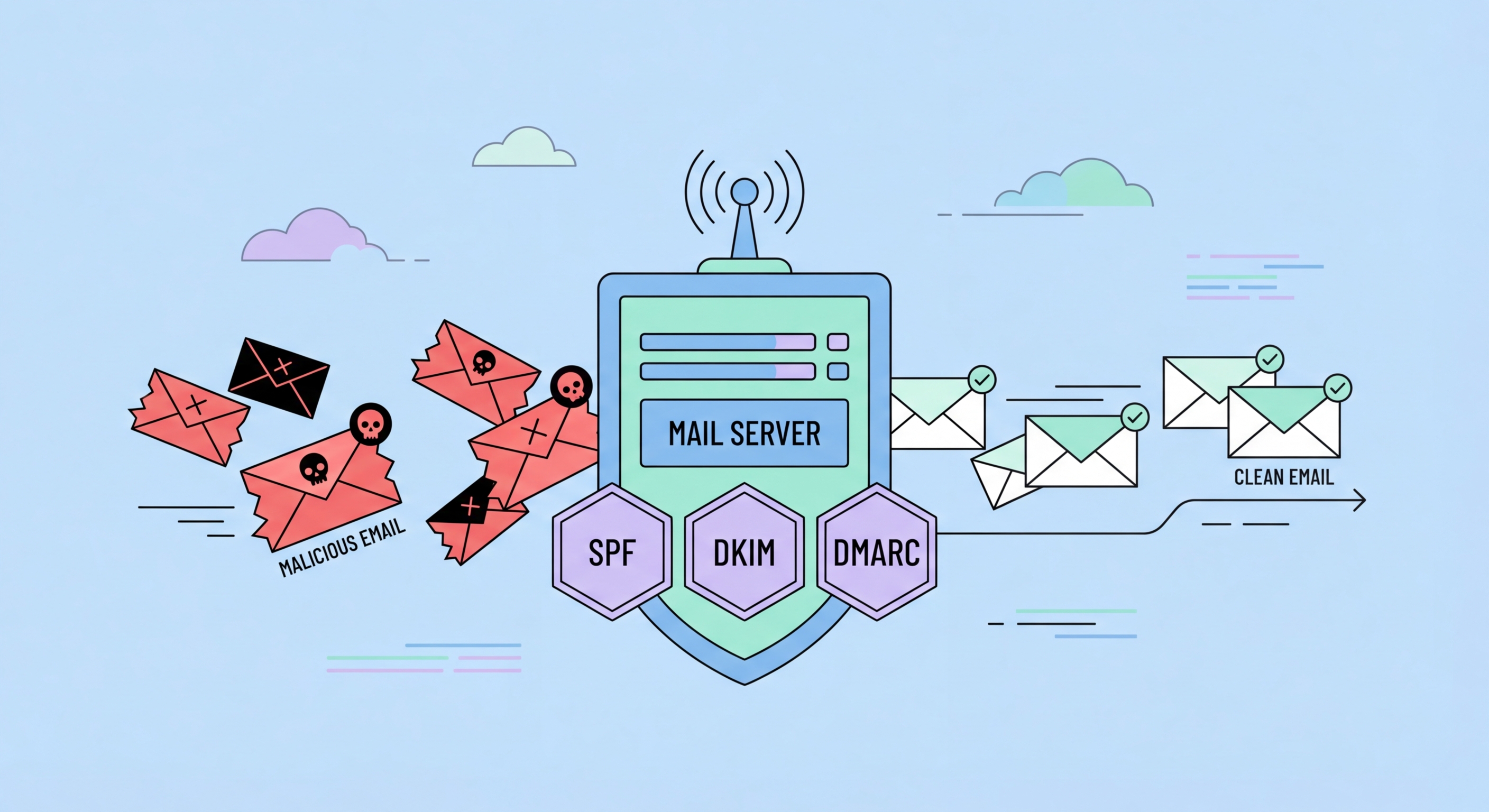
Three DNS-based email authentication standards — SPF, DKIM, and DMARC — work together to prevent your domain from being spoofed in phishing and BEC attacks, and to ensure emails you send are authenticated by recipients. Implementing all three correctly is the most impactful technical email security action available to any Hong Kong business. Major email providers (Gmail, Microsoft 365) increasingly treat email from domains without DMARC enforcement as higher-risk, making proper configuration important for deliverability as well as security.
SPF (Sender Policy Framework) publishes a DNS record listing the mail servers authorised to send email from your domain. Email servers receiving mail from your domain check whether it originated from an SPF-authorised source. DKIM (DomainKeys Identified Mail) adds a cryptographic signature to outgoing emails that recipients can verify against a public key published in DNS — proving the message was not tampered with in transit. DMARC (Domain-based Message Authentication, Reporting, and Conformance) builds on SPF and DKIM by specifying what receiving servers should do with emails that fail authentication: monitor (p=none), quarantine (p=quarantine), or reject (p=reject).
Most Hong Kong businesses should implement DMARC in monitor mode (p=none) initially to understand the volume and sources of legitimate email from their domain without disrupting mail flow. Review DMARC aggregate reports (sent to the email address specified in your DMARC record) to identify all legitimate email sources before advancing to quarantine or reject. Advance to p=reject only after confirming all legitimate sending sources are covered by SPF or DKIM — enforcement on a domain with incomplete coverage can disrupt legitimate email delivery. Services like dmarcian, EasyDMARC, and Postmark's DMARC tool simplify DMARC report analysis for non-specialist HK businesses.
Email security gateways — either on-premises appliances or cloud-based services — filter inbound and outbound email for threats before they reach employee inboxes. Microsoft 365 includes Defender for Office 365 (formerly ATP) at higher subscription tiers, providing phishing simulation, anti-malware scanning, safe links URL inspection, and safe attachments sandboxing. Google Workspace includes similar capabilities through Google's AI-based email threat detection. For organisations needing more advanced capabilities, dedicated email security gateways from Proofpoint, Mimecast, and Abnormal Security provide additional layers of detection, particularly for advanced BEC attacks that evade basic filters.
Safe attachments sandboxing — where potentially malicious attachments are executed in an isolated environment before being delivered to recipients — is particularly valuable for preventing malware delivery through email. Without sandboxing, novel malware in attachments bypasses signature-based scanning. With sandboxing, the malware's behaviour is observed in isolation and the email quarantined if malicious activity is detected before the recipient ever sees it. Enable safe attachments in Microsoft Defender for Office 365 or equivalent Google Workspace advanced protection settings.
Impersonation protection specifically targets BEC attacks that impersonate executives, known suppliers, or business partners. Microsoft Defender for Office 365's anti-phishing policies can be configured with a list of high-value impersonation targets — when an email claims to be from these individuals but is not authenticated as genuine, additional warnings are applied or the email is quarantined. This creates targeted protection for the executive impersonation scenario that drives the majority of BEC wire transfer fraud.
Technical email security controls significantly reduce phishing and malware delivery success rates, but the most financially damaging email threat — BEC wire transfer fraud — frequently bypasses technical controls by impersonating genuine communication channels. Determined BEC operators use actual compromised email accounts, register near-identical domains, or intercept genuine email threads. Against these techniques, procedural controls — payment verification procedures, authorisation policies, and staff training — are the decisive defence layer.
The core procedural BEC defence is mandatory secondary verification for all wire transfers above a defined threshold. Any payment request received via email — regardless of the apparent sender's authority — must be verbally confirmed with the requester using a phone number independently known to the verifier (not a number provided in the email). This simple procedure defeats BEC attacks where an attacker impersonates the CFO or CEO by email requesting urgent transfers. The attacker cannot intercept a phone call to the real executive's known mobile number. Documented payment verification procedures, signed by leadership and enforced without exception, eliminate this attack pathway.
Bank detail change procedures close the supplier payment diversion variant. Any request to update a supplier's banking details must be processed through a formal verification workflow: written authorisation from the supplier through an authenticated channel, phone verification using a contact number from your existing supplier records (not the change request), management co-authorisation, and IT security notification. This workflow must apply without exception — a single ad hoc banking detail change processed outside the procedure creates the vulnerability that BEC operators exploit.