Does iPhone Need Antivirus? iOS Security Explained for Hong Kong Users

Traditional antivirus software can't run on iPhone — but that doesn't mean iPhones are invulnerable. Understanding what iOS protects against and what it doesn't is essential for complete mobile security.

Does iPhone need antivirus
1Why Traditional AV Doesn't Run on iOS

Why Traditional Antivirus Can't Run on iPhone — and Why That's Complicated

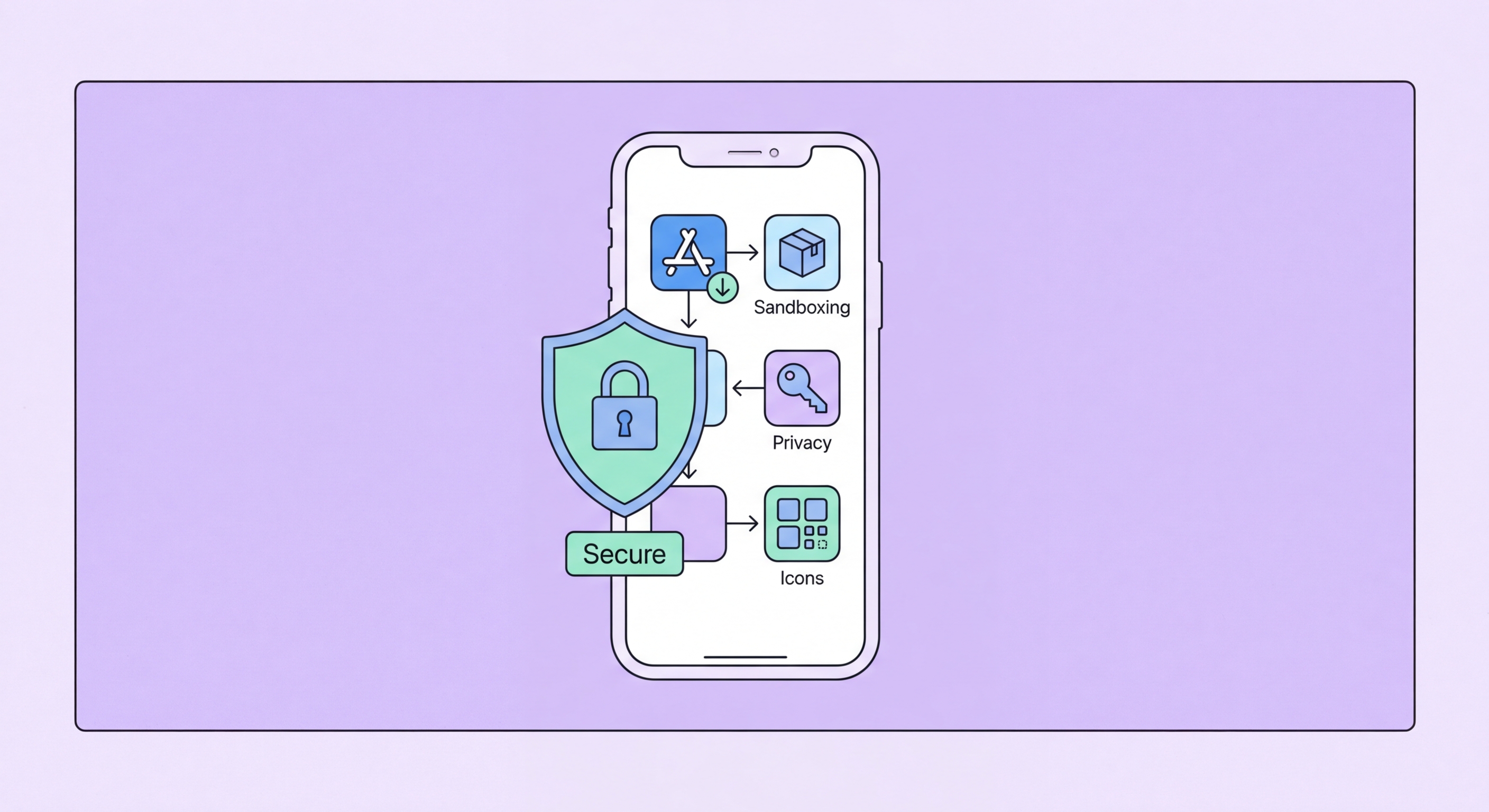
Traditional antivirus software cannot function on iOS in the way it does on Windows, Android, or even Mac. The core function of antivirus — scanning other applications' files and monitoring running processes — requires access to system internals that iOS's security architecture deliberately prevents. Each iOS app runs in a sandboxed environment where it cannot read files belonging to other apps, cannot monitor other processes' behaviour, and cannot hook into system calls or file system operations. This sandboxing, combined with the requirement that all apps come from the App Store and undergo Apple's review process, is the core of iOS's security model.

As a result, apps marketed as "antivirus for iPhone" on the App Store are not antivirus in any meaningful technical sense — they cannot scan your device for malware in the way Android antivirus can, because iOS won't grant them the necessary access. What these apps actually provide are: web browsing protection (a content filter that blocks malicious URLs in Safari or a built-in browser), VPN-based network security (monitoring DNS queries to block malicious domains), Dark Web Monitoring Services for Hong Kong Online Banking: What You Need to Know">for Hong Kong Online Banking: A Complete Guide">for Hong Kong SMEs: Where to Start">for Hong Kong Users in 2026">dark web monitoring (checking if your email appears in breach databases), spam call filtering, and storage management features. These are genuinely useful features, but they're not antivirus. The marketing language is often misleading.

The same sandboxing that prevents malware from accessing other apps' data also means that true iOS malware — malware that steals data from other apps, monitors device activity, or persists through reboots — is extremely rare and typically requires either a jailbroken device or a sophisticated zero-day exploit. Regular iOS users who keep their software updated and don't jailbreak their devices face a dramatically lower risk from traditional malware categories compared to Android users. However, this does not mean iPhone users face no security risks — it means the risk profile is different, with phishing, social engineering, and account compromise being the primary threats rather than malware installation.

  • App Sandboxing: iOS apps cannot read other apps' files or monitor processes — prevents both malware and AV scanning.
  • App Store Requirement: All apps must pass Apple review — dramatically limits malicious app distribution.
  • "AV for iPhone" Reality: These apps provide web protection, VPN, and monitoring features — not actual malware scanning.
  • No Jailbreak: Malware that persists and steals from other apps requires jailbreak or zero-day exploit.
  • Different Risk Profile: iPhone users face phishing and account compromise primarily — not installation of malicious apps.
  • Marketing Misleading: Apps labelled "antivirus for iPhone" cannot perform core antivirus functions iOS denies them.
Why iPhone doesn't run traditional antivirus
2Real iPhone Threats

The Real Security Threats That iPhone Users Actually Face

Phishing is the most significant practical security threat for Hong Kong iPhone users. Phishing attacks arrive via SMS (smishing), WhatsApp messages, email, and increasingly through push notifications from seemingly legitimate apps. These attacks aim to steal Apple ID credentials, banking credentials, and personal information — they don't require installing malware and bypass iOS's application sandboxing entirely because they exploit human behaviour rather than technical vulnerabilities. The Hong Kong banking sector has seen targeted smishing campaigns impersonating HSBC, Hang Seng, Bank of China (HK), and the Hong Kong Monetary Authority — delivering urgent messages about account suspension, security alerts, or mandatory verification that link to convincing fake login pages.

Apple ID account compromise is a significant threat that has nothing to do with malware. If an attacker obtains your Apple ID credentials through phishing, data breach, or credential stuffing (trying leaked passwords from other breaches), they can access iCloud data including Photos, contacts, messages, and backed-up app data; use Find My to track your location; remotely wipe your device; make purchases on your account; and potentially disable the device using Activation Lock. Two-factor authentication for Apple ID is available and should be enabled — it significantly raises the difficulty of account compromise even when credentials are stolen. Without 2FA, a stolen Apple ID password alone provides extensive access to a user's digital life.

Zero-click exploits — vulnerabilities that allow attackers to compromise an iPhone without any user interaction — represent a sophisticated threat primarily affecting high-value targets: journalists, lawyers, activists, politicians, and business executives. The Pegasus spyware (developed by Israeli company NSO Group) demonstrated that iOS could be compromised through zero-click iMessage vulnerabilities, allowing complete device takeover including camera, microphone, and all data access. Apple's Lockdown Mode, introduced in iOS 16, provides extreme hardening against these sophisticated attacks by disabling many attack surfaces at the cost of reduced functionality — it's designed for users who face targeted nation-state level attacks. For standard users, keeping iOS updated (Apple patches zero-day vulnerabilities rapidly) and not clicking on unexpected message links provides sufficient protection against this threat class.

  • Phishing Primary Threat: SMS, WhatsApp, and email phishing targeting HK bank credentials — not blocked by iOS architecture alone.
  • HK Banking Smishing: Campaigns impersonating HSBC, Hang Seng, BOCHK with fake security alerts are documented and ongoing.
  • Apple ID Compromise: Stolen credentials provide iCloud access, location tracking, device wipe, and purchase capability.
  • Enable 2FA for Apple ID: Essential — significantly increases difficulty of account compromise even with stolen password.
  • Zero-Click Exploits: Pegasus and similar target high-value individuals — keep iOS updated, use Lockdown Mode if at risk.
  • Lockdown Mode: iOS 16+ extreme hardening for journalists/activists/executives facing nation-state level targeting.
Real iPhone security threats
3Useful iOS Security Apps

Security Apps That Genuinely Improve iPhone Protection

Norton Mobile Security for iOS provides the most complete set of genuinely useful security features for iPhone in a single app. Its web protection component integrates with Safari via a Safari extension to block malicious and phishing URLs in real time — addressing the most significant real threat iPhone users face. The Wi-Fi security scanner assesses connected networks for security issues. Dark web monitoring alerts when your email addresses appear in data breaches, giving early warning of credential compromise. SMS filtering identifies smishing messages before you interact with them. These features address the actual iPhone threat landscape (phishing, credential theft, network attacks) rather than the malware threat that iOS largely neutralises.

Bitdefender Mobile Security for iOS offers similar phishing protection via a VPN-based content filter that blocks malicious domains across all apps and browsers — not just Safari. This is a meaningful advantage over Safari-extension-only approaches for users who browse in Chrome or other browsers, or who want protection that extends to in-app web content. The Bitdefender account breach monitoring and identity protection features provide additional value. For users who already have Bitdefender Total Security covering their Windows or Mac devices, the iOS app is included in multi-device plans at no additional cost.

Apple's own built-in security tools should be configured correctly before adding any third-party apps. Enable two-factor authentication for Apple ID (Settings > [your name] > Sign-In & Security). Review Privacy & Security settings to ensure only necessary apps have access to sensitive data (Location, Contacts, Microphone, Camera, Photos). Enable Stolen Device Protection (Settings > Face ID & Passcode > Stolen Device Protection) which requires biometric authentication for sensitive actions when away from trusted locations. Enable Automatic Updates (Settings > General > Software Update) to ensure iOS security patches apply promptly. These built-in measures address the primary attack vectors with no additional cost or app installation required.

  • Norton Mobile Security iOS: Web protection, Wi-Fi scanner, dark web monitoring, smishing detection — best iOS security suite.
  • Bitdefender iOS: VPN-based content filtering covers all apps/browsers — not just Safari.
  • Enable 2FA Apple ID: Single most important iOS security step — prevents account compromise from stolen passwords.
  • Stolen Device Protection: Biometric requirement for sensitive actions when away from trusted locations.
  • Automatic Updates: iOS patches zero-day vulnerabilities rapidly — auto-updates are essential.
  • Privacy Settings Audit: Review which apps have camera, mic, location — revoke unnecessary access.
Security apps for iPhone
4iPhone Security Best Practices

iPhone Security Best Practices for Hong Kong Users

The most impactful iPhone security practices address the real threats: phishing and account compromise. For phishing, develop a habit of verifying unexpected messages through separate channels before acting on them. If you receive an SMS claiming to be from HSBC asking you to verify your account, don't click the link — instead, open the HSBC app directly or call the bank's official number from the back of your card. This verification habit eliminates the majority of phishing risk regardless of how convincing the message appears. Enable Safari's built-in Fraudulent Website Warning (Settings > Safari > Fraudulent Website Warning) and Prevent Cross-Site Tracking for baseline browsing protection.

iCloud security is as important as device security for iPhone users because the majority of sensitive data is backed up to and accessible through iCloud. Use a strong, unique password for your Apple ID (not the same password used anywhere else), enable two-factor authentication, review which apps have iCloud access (Settings > [your name] > iCloud) and revoke access for apps that don't need it, and enable iCloud Advanced Data Protection (Settings > [your name] > iCloud > Advanced Data Protection) which enables end-to-end encryption for most iCloud data categories. With Advanced Data Protection enabled, even Apple cannot access your iCloud data — it can only be decrypted on your trusted devices.

For iPhone users in Hong Kong who use their device for financial transactions — banking apps, PayMe, AlipayHK, Octopus app — enabling Face ID or strong device passcode (at least 6 digits, ideally alphanumeric) is critical. Ensure banking apps aren't accessible from the lock screen through Notification Centre previews. Consider whether financial app notifications display account balances or sensitive information — if so, turn off notification previews for those apps (Settings > Notifications > [app] > Show Previews > When Unlocked). These configurations protect your financial data even if the physical device is accessible to another person — a relevant concern in crowded public transport environments common in Hong Kong.

  • Verification Habit: Never click links in unexpected messages — verify through official app or phone number from your card.
  • Safari Fraud Warning: Enable Settings > Safari > Fraudulent Website Warning for baseline phishing protection.
  • iCloud Advanced Data Protection: End-to-end encryption for iCloud — even Apple cannot access your backed-up data.
  • Apple ID Password: Strong, unique password not reused anywhere else — most Apple ID compromises use reused passwords.
  • Financial Notification Privacy: Disable notification previews for banking apps — hide sensitive info on lock screen.
  • Alphanumeric Passcode: 6+ character mixed passcode provides far more brute-force resistance than 6-digit PIN.
Android antivirus guide →
iPhone security best practices for Hong Kong

Complete Your Mobile Security Across All Devices

Explore our complete antivirus guide to protect all your devices — iPhone, Android, Mac, and Windows — with the right tools for each platform.

Related VPN Articles