Dangerous myths about antivirus software and malware protection lead Hong Kong users to make security decisions based on false premises. This article debunks the most persistent misconceptions with facts.
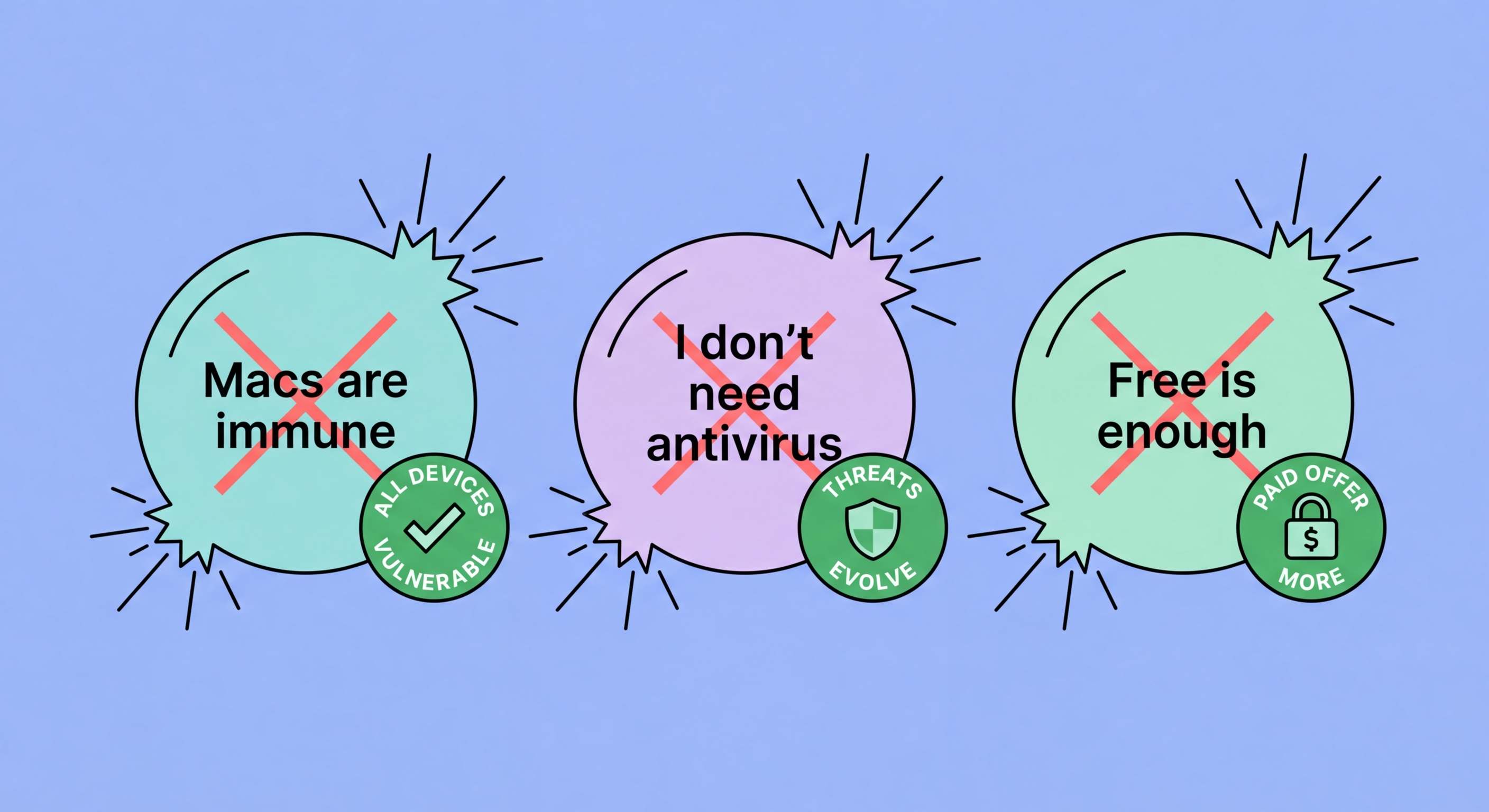
Myth: "Macs don't get viruses." This is one of the most persistently dangerous myths in consumer security. Macs absolutely do get malware — the Atomic Stealer (AMOS) info-stealer, Shlayer adware (historically the most prevalent Mac malware family), and a growing ecosystem of Mac-targeted threats demonstrate that macOS is a legitimate target for malware authors. The myth has a grain of historical truth: when Mac market share was much lower (5–10%), it made less economic sense for malware authors to invest in Mac-specific threats. As Mac market share has grown to 15–20% globally, and much higher in professional and creative sectors, the economic calculus changed. Mac-specific malware has grown substantially in sophistication and volume over the past five years. The appropriate response is to acknowledge the risk and choose appropriate protection — not to perpetuate a myth that leaves Mac users undefended.
Myth: "I use Linux, so I don't need antivirus." Linux is more resistant to casual malware than Windows for several reasons: smaller consumer market share, strong permission model, and open-source code that allows rapid community vulnerability identification. However, Linux is not immune to malware, and the server-focused nature of Linux makes it a high-value target for specific threats. Crypto-mining malware, rootkits, and backdoors specifically targeting Linux servers are well-documented. For desktop Linux users with low-risk browsing habits, antivirus may be genuinely unnecessary as a practical matter. But Linux servers handling sensitive data, web servers, or business-critical infrastructure should run antivirus scanning, intrusion detection, and file integrity monitoring — the same defence-in-depth principles apply regardless of OS.
Myth: "iPhones are completely secure and can't be hacked." iOS has a significantly stronger security architecture than Android, and typical iPhone users face dramatically lower risk of traditional malware infection. However, "can't be hacked" overstates iOS security. The Pegasus spyware — developed by Israeli company NSO Group — exploited zero-click iMessage vulnerabilities to achieve complete iPhone compromise with no user interaction required. Apple patches these vulnerabilities rapidly when discovered, which is why keeping iOS updated is critical, but the existence of Pegasus proves that iOS can be compromised at the highest level. For typical users, the more relevant iPhone threats are phishing and Apple ID compromise — neither of which is addressed by iOS's technical architecture and both of which require user education and account security practices.
Myth: "Antivirus slows down my computer too much." This was genuinely true of older antivirus products from the 2000s and early 2010s — some were notorious for consuming significant system resources. Modern antivirus engineering has largely solved this problem. AV-TEST's performance tests measure the slowdown caused by antivirus on common tasks (launching websites, copying files, downloading software), and leading products like ESET NOD32, Bitdefender, and Kaspersky regularly score 6/6 in performance tests — meaning they cause no measurable slowdown on standardised tasks. The products that do cause noticeable slowdown are typically older products or those with poorly engineered real-time scanning. If your antivirus is genuinely causing performance issues, the solution is to switch to a lighter product — not to disable protection entirely, which eliminates all protection during the disabled window.
Myth: "I'll know if my computer is infected." Many of the most serious malware categories are specifically designed to be invisible. Spyware and keyloggers operate entirely in the background with minimal resource usage to avoid detection. Banking trojans only activate when you visit specific banking URLs, otherwise remaining dormant. Cryptojacking malware may throttle its resource usage to avoid detection, limiting itself to 20–30% of CPU capacity. Advanced persistent threats (APTs) are specifically designed for long-duration stealth — many enterprise compromises are only discovered months after initial infection. The assumption that you'd notice an infection leads users to delay security measures until after the harm has already occurred. Malware is designed specifically to circumvent the assumption that you'll notice it.
Myth: "I have a VPN so I'm protected from malware." VPNs and antivirus are entirely different tools that address entirely different threats. A VPN encrypts your internet traffic and masks your IP address from websites you visit — it protects against network eavesdropping and provides some privacy benefits. A VPN provides no protection against malware on your device, no phishing detection, no file scanning, and no protection against exploits. Installing malicious software still compromises your device regardless of VPN use. A VPN combined with no antivirus leaves you unprotected against all the threats antivirus addresses. The tools are complementary, not substitutes. Some premium antivirus suites bundle VPN functionality (Norton 360 includes an unlimited VPN) — but the VPN component addresses different threats than the antivirus component.
Myth: "I'm not a target — I'm just a regular person, not a celebrity or executive." This myth misunderstands how modern malware attacks work. The majority of malware attacks are opportunistic and automated — they target any reachable, vulnerable system, not specific individuals. Ransomware operators use automated scanning tools to identify vulnerable targets across millions of IP addresses simultaneously. Credential stuffing attacks test stolen passwords against millions of accounts across hundreds of services. Banking trojans intercept credentials from any user who visits a targeted banking site, not just wealthy ones. There is no "too small to target" for opportunistic criminal malware — if your device is connected to the internet and accessible, it's a potential target. The only question is whether your security makes you a soft enough target to be worth the attacker's marginal effort.
Myth: "Antivirus is 100% effective if you just keep it updated." No security control is 100% effective against all threats. Independent testing consistently shows that even the best antivirus products miss some malware — typically 0.5–2% of real-world malware samples in testing. More significantly, antivirus is primarily a technical control that addresses technical threat delivery. Social engineering attacks — phishing, fake tech support calls, fraudulent romance scam investment platforms — exploit human psychology rather than technical vulnerabilities and bypass antivirus protection entirely. The "just install antivirus and you're safe" message is dangerous because it creates overconfidence that leads users to be less careful about the phishing and social engineering threats that antivirus doesn't address. Antivirus is essential but not sufficient — it's one layer in a defence-in-depth approach.
Myth: "More antivirus products means more protection." Installing multiple real-time antivirus products simultaneously is counterproductive and often actively harmful. When two real-time scanning products both intercept the same file access event, they can interfere with each other — leading to performance degradation, system instability, false positive detections (each product may flag the other's files as suspicious), and in some cases, security gaps where both products' scanning is disrupted by the conflict. Running two real-time products simultaneously is not recommended by any security professional. The appropriate complementary approach is one primary antivirus with real-time protection active, combined with Malwarebytes Free for on-demand scanning when you suspect infection — where the on-demand scanner only runs when you explicitly initiate it, never simultaneously with the real-time product.
Myth: "As long as I only visit reputable websites, I won't get malware." Malvertising — the injection of malicious code into legitimate advertising networks — delivers malware through ads displayed on otherwise reputable, high-traffic websites including major news portals, entertainment sites, and even Hong Kong government-affiliated portals that carry third-party advertising. You can be exposed to malware delivery attempts without ever visiting a suspicious site, purely through the advertising ecosystem on sites you trust. Drive-by downloads through browser vulnerabilities don't require clicking anything — merely visiting a page can trigger the exploitation attempt if you're using a vulnerable browser version. The correct response is keeping browsers updated and using a content blocker (like uBlock Origin) that blocks advertising networks — not assuming that "reputable sites" provide complete safety.
Myth: "If I'm careful with email, I won't need antivirus." Email is the primary delivery channel for malware, but it's far from the only one. Drive-by downloads from malicious websites, software downloaded from piracy sites and unofficial sources, USB drives and physical media, compromised software update mechanisms (supply chain attacks), and network-based exploitation of vulnerabilities in connected devices are all documented delivery vectors that have nothing to do with email. Careful email hygiene is important and does reduce exposure significantly, but it doesn't protect against all the other vectors. Additionally, even careful users can be deceived by sophisticated phishing emails that accurately impersonate known contacts or trusted organisations — "careful with email" is not the same as "immune to email threats."
Myth: "Regular system reinstalls keep me safe without needing antivirus." Some technically-minded users periodically reinstall their operating system from scratch as a way to clear any accumulated malware. While a clean install does effectively remove the vast majority of malware, it's not a complete substitute for ongoing protection for several reasons: reinstalls are periodic, not continuous — the window between reinstalls is unprotected and infection can occur and cause significant harm in that window; bootkits and UEFI rootkits survive OS reinstalls; and the reinstall removes the problem after the fact but doesn't prevent data theft that may have already occurred or credentials that may have already been captured. Ongoing protection is more efficient than periodic clean installs, and the two approaches are complementary rather than alternatives.