How to Make Secure Online Payments in Hong Kong
A practical framework for every online payment — choosing safe payment methods, verifying merchants, and protecting your financial data in Hong Kong.
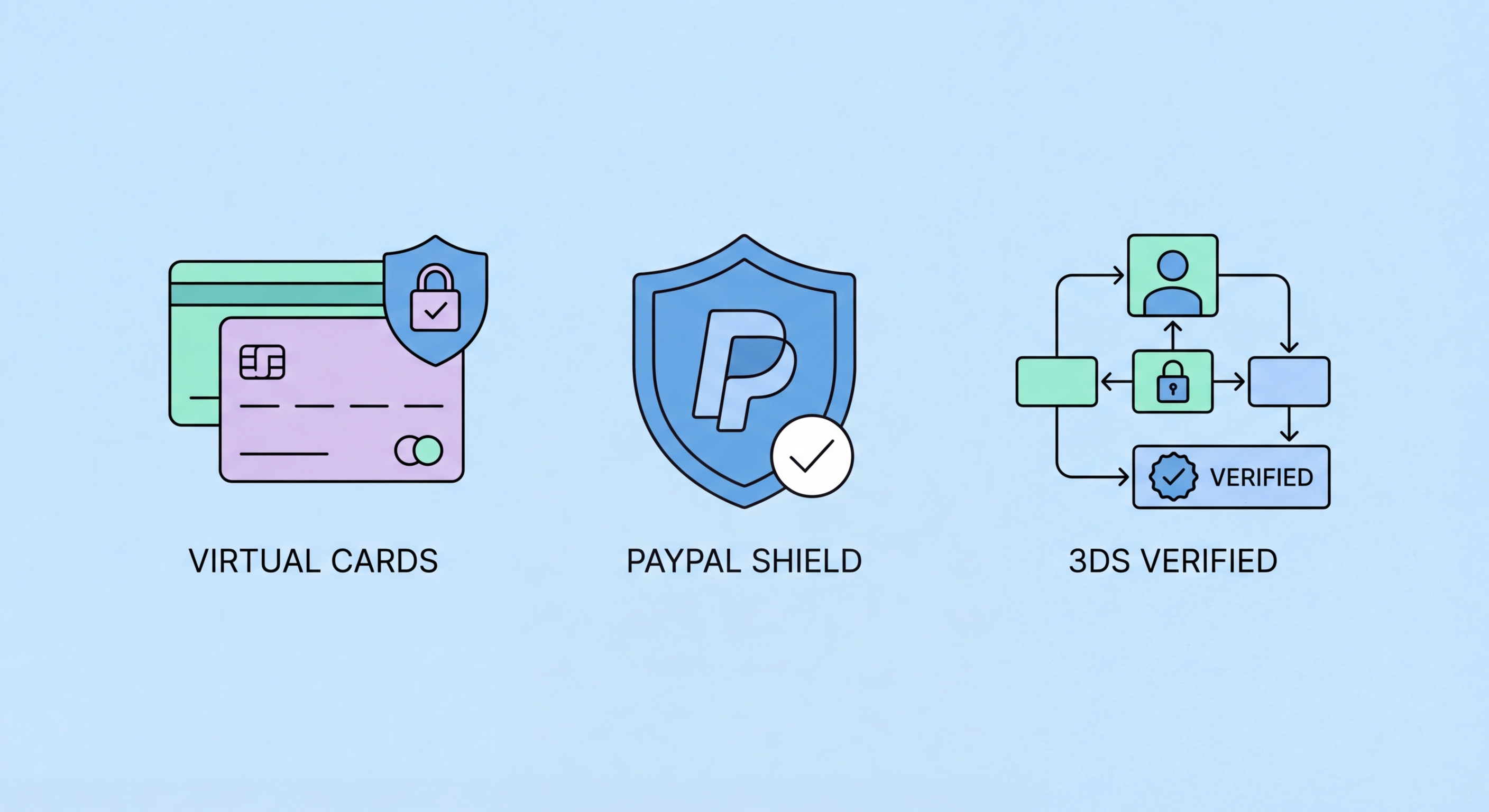
A practical framework for every online payment — choosing safe payment methods, verifying merchants, and protecting your financial data in Hong Kong.
The merchant you pay online is the first line of risk assessment. Established Hong Kong platforms — HKTVmall, Zalora HK, GoGoVan, Deliveroo, OpenRice Shop — have known domains, verifiable company registrations, and established dispute resolution processes. New or unfamiliar merchants require more scrutiny, particularly those contacted via social media, group chats, or unsolicited messages offering unusually attractive prices. The Small Claims Tribunal and Consumer Council in Hong Kong offer recourse for disputes with legitimate businesses, but fraudulent "merchants" simply disappear after receiving payment.
Verification starts with the domain. Check the exact URL — not just whether it looks right, but the specific registered domain. Search the company name on the Hong Kong Companies Registry at icris.cr.gov.hk to verify it is a legitimately incorporated entity. Look for a physical Hong Kong address that can be verified. Read independent reviews on Google, OpenRice, or Trustpilot — be alert to sites with exclusively five-star reviews or no reviews at all. The Hong Kong Customs and Excise Department maintains a list of businesses with outstanding Consumer Goods Safety Ordinance issues that can also be consulted.
Payment page security indicators are the final merchant-side check. Legitimate payment pages use HTTPS (confirmed by the padlock icon), but as noted, this alone is insufficient. Look for recognisable payment processing logos — Visa, Mastercard, PayPal, Stripe, Braintree — which indicate the merchant uses established payment infrastructure rather than processing card details in-house. Merchants routing payment through established gateways provide an additional fraud management layer, and your chargeback rights are more cleanly supported when payments are processed through recognised networks.

Not all payment methods offer equal protection against fraud. Credit cards provide the strongest consumer protection due to chargeback rights under Visa and Mastercard network rules — if you pay for goods that are not delivered or are materially different from the description, your card issuer can reverse the transaction. This protection applies to online and in-store purchases, though the dispute window has limits and the process takes time. This consumer protection layer makes credit cards the preferred payment method for high-value online purchases from less established merchants.
Debit cards offer weaker protection than credit cards in disputes, though HKMA-regulated banks typically offer voluntary dispute resolution similar to credit card chargebacks. PayPal provides substantial buyer protection as an intermediary — merchants never see your actual card or bank details, and PayPal's Resolution Centre can compel merchants to refund or arrange returns. Apple Pay and Google Pay tokenise your card number, sending a device-specific virtual account number to merchants instead of your real card number, preventing your actual details from being stored in merchant databases.
FPS transfers and wire transfers offer essentially no consumer protection — once funds leave your account to an unrelated party, recovery depends entirely on the recipient voluntarily returning them or police action. These methods are appropriate for paying people and businesses you know and trust, but deeply unsuitable for paying unfamiliar online merchants. Cryptocurrency payments are similarly irreversible. If an online merchant insists on receiving payment exclusively via bank transfer, FPS, or cryptocurrency, this is a strong signal the merchant either lacks the ability to pass payment gateway verification checks or intends to disappear after payment.

Your device and network form the foundation of secure online payment. A compromised device — one with keylogging malware or a browser extension capturing form data — renders all other security measures ineffective. Keeping your device's operating system and browser updated closes known vulnerabilities. Running reputable security software adds real-time scanning of payment pages. Being conservative about which browser extensions you install is particularly important — malicious extensions can read all form data including payment details entered on shopping sites.
Network security is equally important. Performing financial transactions over your home WiFi network provides a reasonable baseline of security. Cellular data is generally secure for payments. Public WiFi — in cafes, hotels, shopping centres, and transport hubs — should never be used for payment without a VPN creating an encrypted tunnel. Even on secured (password-protected) public networks, other users on the same network can potentially intercept traffic in certain configurations. A VPN resolves this by encrypting all traffic between your device and the internet.
Browser hygiene extends to clearing cookies and session data periodically, using private/incognito mode for sensitive transactions on shared devices, and avoiding transactions on devices you do not personally control (library computers, hotel lobby terminals). The URL bar check — confirming HTTPS and the correct domain — should be performed immediately before entering any payment details, not once at the start of a browsing session, because malicious redirects can change the page you are on mid-session on compromised devices.

Active monitoring of your payment activity is the safety net that catches fraud that evades all preventive measures. Real-time transaction alerts — push notifications sent to your phone for every payment processed — are the most effective monitoring tool. Enable these in every card and banking app you use, setting the threshold as low as possible (ideally HK$1 or the minimum the app allows). When a fraudulent transaction occurs, you will typically be notified within seconds of processing, allowing immediate response before further fraud occurs.
Periodic full account reconciliation — reviewing every transaction against your own records or receipts — should be a regular habit. Monthly statement reviews catch fraud that may have been missed in the notification stream. Pay particular attention to small test charges: fraudsters routinely test stolen card details with tiny transactions (often under HK$10) before attempting larger purchases. A charge you don't recognise, however small, warrants investigation before assuming it is legitimate.
When unauthorised payment activity is detected, the response process in Hong Kong is well-defined. Credit card fraud is disputed directly with your card issuer — the chargeback process typically credits your account within 5 to 10 business days while the investigation proceeds. Debit card and FPS fraud should be reported to your bank's fraud team immediately. For significant losses, file a police report with the CSTCB and consider whether the Consumer Council's mediation services are appropriate if the dispute involves a merchant rather than a fraudulent transaction.
