PayMe Security Guide for Hong Kong Users
How to configure PayMe by HSBC for maximum security — privacy settings, fraud prevention, request verification, and responding to PayMe fraud incidents.
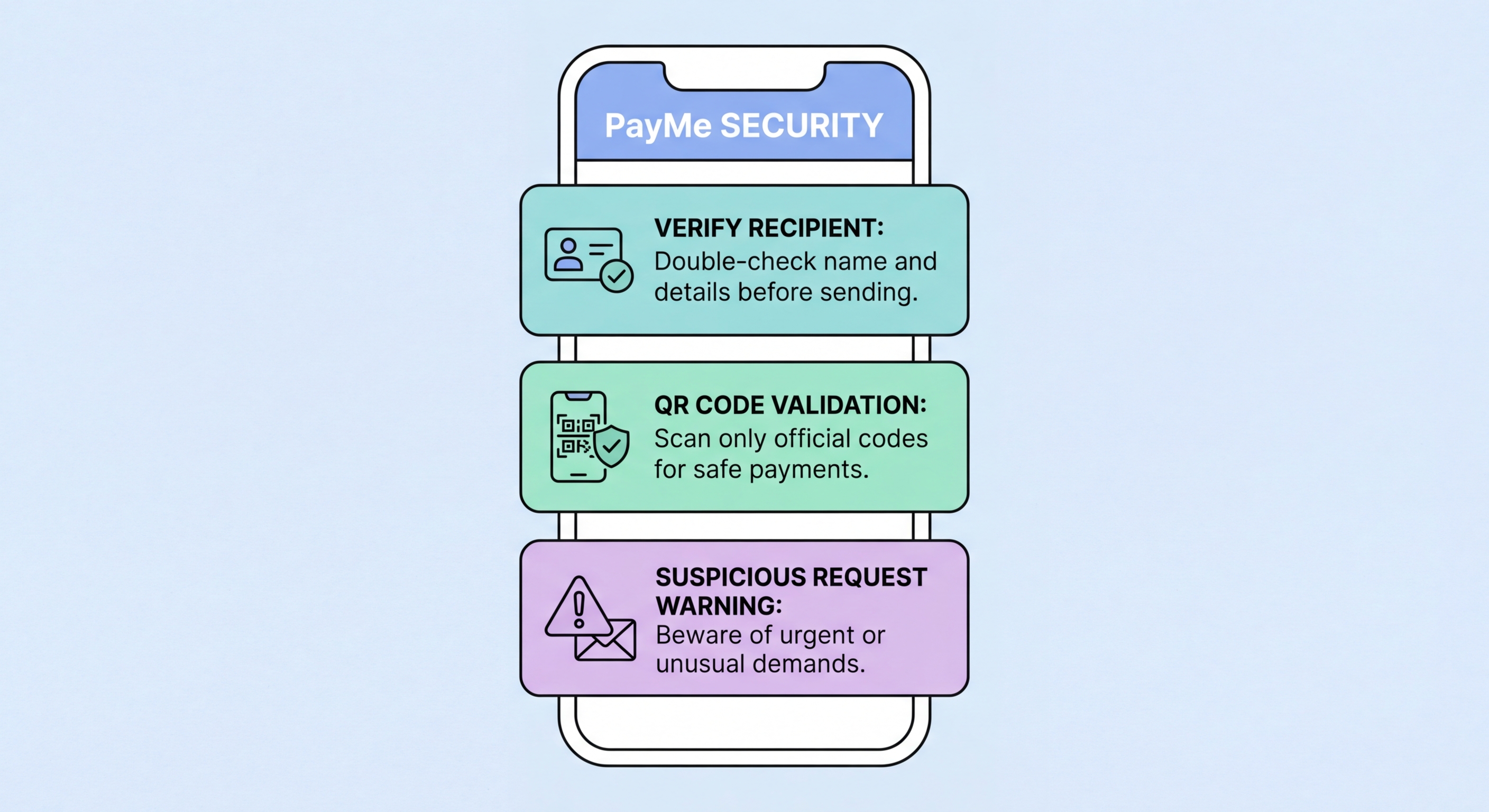
How to configure PayMe by HSBC for maximum security — privacy settings, fraud prevention, request verification, and responding to PayMe fraud incidents.
PayMe by HSBC is Hong Kong's most widely used peer-to-peer payment application, serving over 3.5 million users for splitting bills, paying vendors, sending gifts, and a growing range of retail payments. Launched in 2017, PayMe operates as an HKMA-licensed stored-value facility (SVF) — customer balances are held in segregated accounts at HSBC, providing a level of protection not available for cryptocurrency wallets or unregulated payment apps. Understanding PayMe's security architecture and its limitations is essential for using it safely.
PayMe accounts are linked to users' Hong Kong mobile numbers and — for higher functionality — to HSBC bank accounts. The app uses HSBC's existing fraud detection infrastructure, which monitors for unusual transaction patterns and applies machine learning models trained on HSBC's extensive banking transaction data. However, like all peer-to-peer payment systems, PayMe's fraud detection is better at identifying unusual account behaviour than preventing socially engineered payments where the user intentionally initiates a fraudulent transfer believing it is legitimate.
PayMe transactions fall into two categories with different security implications. Payments you initiate by entering an amount and sending to a selected contact or entered phone number — voluntary outgoing transfers — are the primary fraud risk vector because they represent authorised push payments. Payment requests received by you — either from contacts or from strangers — where you are asked to approve a payment from your balance are the secondary risk. Understanding which direction funds flow for each interaction type and the verification appropriate for each is fundamental PayMe security literacy.

PayMe's default settings prioritise discoverability and convenience, which often means privacy settings are less restrictive than optimal for security-conscious users. A five-minute audit of your PayMe settings can substantially reduce your exposure to social engineering and unwanted contact. Access settings through the profile icon in the top right of the PayMe home screen, then navigate to Privacy and Security settings.
Profile privacy is the first priority. PayMe allows users to configure who can see their profile photo, display name, and PayMe ID. Setting these to "Contacts Only" or "Nobody" reduces the information available to fraudsters conducting reconnaissance before targeting you. Your payment history — who you pay and receive from — should similarly be restricted to contacts only. While your friends may see your payment activity by default, this same visibility gives fraudsters who obtain your phone number intelligence about your social and professional network.
Payment security settings include the PayMe passcode (separate from your phone unlock), biometric authentication, and transaction confirmation settings. Enable Face ID or fingerprint authentication for PayMe even if your phone uses the same biometric for unlocking — the PayMe biometric confirmation adds a specific in-app authentication step before any payment is sent. Review the payment confirmation threshold if configurable — requiring manual confirmation for payments above small amounts reduces the risk of accidental or fraudulently triggered payments processed too quickly to catch.

PayMe fraud occurs through several specific patterns that repeat across victims. The payment request fraud involves strangers sending payment requests with convincing descriptions — "Refund from online purchase", "Overpayment correction", "Charity collection" — hoping the recipient approves without scrutiny. Never approve any PayMe payment request unless you have independently verified its legitimacy through a separate communication with the requester. The description field in a PayMe request can contain any text — it provides no authentication of the sender's identity or the legitimacy of the request.
The wrong number scam exploits PayMe's casual use for person-to-person payments. A fraudster contacts you claiming they accidentally sent you a PayMe payment and asks you to return it. If you check your PayMe balance and see an unexpected credit, you may believe the story and send a return payment — but the original "accidental" payment may have been sent from a compromised account that will be recalled, leaving you net negative after your genuine return payment. Whenever you receive unexpected PayMe credits from strangers, do not return money until the funds are confirmed settled by PayMe's customer service, not just visible in your balance.
Marketplace fraud using PayMe is extremely common on Carousell and social media selling channels. Sellers request PayMe payment before shipping, take payment, and then either disappear or block the buyer. The lack of buyer protection for PayMe person-to-person transfers makes recovery difficult. For marketplace transactions, use Carousell's CarePay escrow service where available — it holds payment until delivery is confirmed, providing meaningful buyer protection that PayMe alone cannot offer. For in-person transactions, conduct them at HKPF designated "safe trade zones" at police stations.

Acting quickly is critical when PayMe fraud is discovered. PayMe's customer service — reachable through the in-app support function and via HSBC's 24-hour hotline — can flag the recipient account for investigation and attempt to place a hold on funds if they have not been withdrawn or transferred out. The sooner you report, the higher the probability of some recovery — funds held in a flagged PayMe balance cannot be withdrawn while the investigation proceeds.
In-app reporting is the fastest initial step. Open PayMe, find the transaction in question, and use the "Report" function attached to the transaction or contact. This immediately flags the activity within HSBC's fraud management system and initiates the internal review process. Follow up with a call to HSBC PayMe customer service to ensure the report has been escalated appropriately and to obtain a reference number for your fraud case. Separately, file a police report with the CSTCB at 2527 7177 — providing the fraudster's PayMe ID, transaction reference, and the fraudulent communication that induced the payment.
If the fraud involved a marketplace transaction on Carousell or Facebook Marketplace where payment was made via PayMe, the platform's own dispute mechanism may also be available in addition to HSBC's fraud process. Carousell offers a dispute process for transactions that occurred on the platform; use this in parallel with your bank and police reports. Document the fraudulent listing, all communications with the seller, and your PayMe payment confirmation. Consumer Council mediation is available for disputes with HK-registered sellers where products were not delivered or were significantly misrepresented. Combine all available channels simultaneously rather than sequentially to maximise recovery chances.
