Business Firewall Setup Guide for Hong Kong SMEs

A practical guide to selecting, configuring, and maintaining a business firewall for Hong Kong small and medium businesses — covering UTM appliances, cloud-managed firewalls, configuration best practices, and ongoing maintenance.

Business firewall setup Hong Kong
1Firewall Selection

Choosing the Right Business Firewall for Your HK Office

Selecting a business firewall involves balancing throughput capacity, feature set, management complexity, and total cost of ownership. The first sizing consideration is throughput: the firewall must handle your current internet bandwidth with headroom for growth, while performing all security inspection functions (IPS, web filtering, SSL inspection) that reduce effective throughput relative to raw bandwidth. A typical Hong Kong business office with 1Gbps business broadband from HKT or HKBN requires a firewall rated for at least 500Mbps to 1Gbps with full UTM features enabled — raw throughput ratings without security features enabled are marketing figures, not operational specifications. Check vendor datasheets for UTM throughput specifically.

Unified Threat Management (UTM) appliances combine firewall, intrusion prevention system (IPS), web content filtering, application control, antivirus gateway scanning, and VPN in a single device — providing comprehensive perimeter security without requiring multiple separate appliances to manage. For Hong Kong SMEs, the leading UTM options include: Sophos XGS series (excellent web interface, cloud-managed via Sophos Central, competitive SME pricing); Fortinet FortiGate (industry-leading threat intelligence, strong performance, widely supported by HK channel partners); WatchGuard Firebox (simple management, good for non-specialist administrators); and Cisco Meraki MX (cloud-managed from Meraki Dashboard, excellent for multi-site management, higher licensing cost). Netgear ProSAFE and Zyxel ATP series provide budget alternatives for very small offices with simpler requirements.

Cloud-managed firewalls — where the management plane runs in the cloud rather than on the physical appliance — significantly reduce operational complexity for HK SMEs without dedicated networking staff. Cisco Meraki, Sophos XGS with Sophos Central, and Fortinet's FortiManager Cloud all provide browser-based management dashboards that make configuration, monitoring, and firmware updates accessible to IT generalists. For organisations with multiple Hong Kong offices or hybrid environments with cloud infrastructure, cloud-managed firewalls provide centralised visibility across all locations from a single dashboard, simplifying the management overhead that previously required networking expertise at each site. The subscription cost of cloud management licensing should be included in total cost of ownership calculations when comparing options.

  • Size by UTM throughput: Check UTM throughput specifications (not raw firewall throughput) — security inspection features significantly reduce effective bandwidth
  • Sophos XGS for SMEs: Strong web interface, cloud-managed via Sophos Central, competitive SME pricing — one of the most accessible UTM options for smaller HK businesses
  • Fortinet FortiGate: Industry-leading threat intelligence and performance — preferred by many HK channel partners with strong local support
  • WatchGuard for non-specialists: Simplified management interface suitable for IT generalists — good choice for SMEs without dedicated networking staff
  • Cloud-managed for multi-site: Cloud-managed firewalls (Meraki, Sophos Central, FortiManager) provide centralised management across multiple HK offices from a single dashboard
  • Include licensing costs: UTM subscription licensing (IPS signatures, web filtering, cloud management) is a recurring annual cost — include in total cost of ownership comparisons
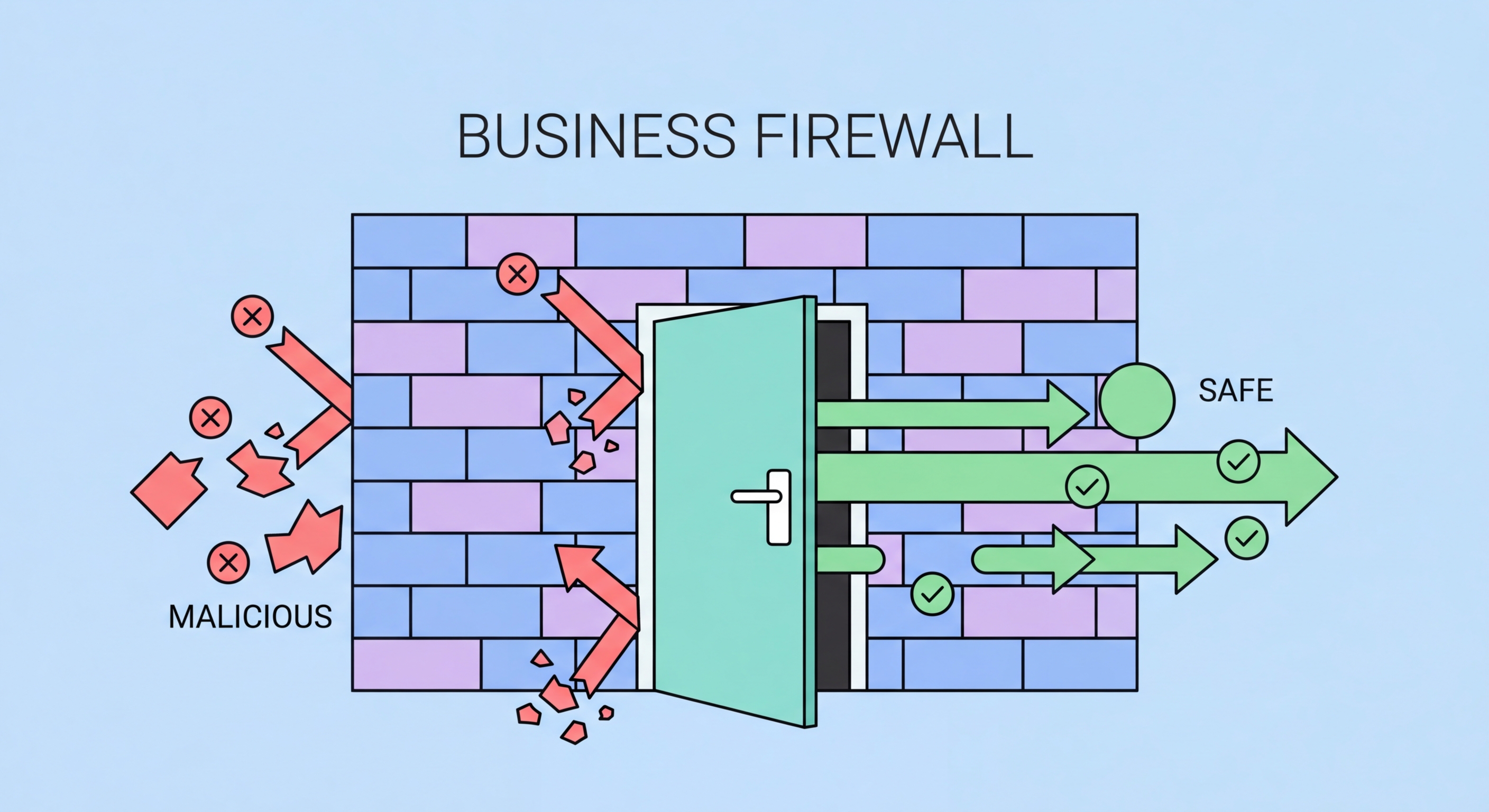
Business firewall selection guide
2Firewall Configuration

Firewall Configuration Best Practices for HK Businesses

The security value of a business firewall depends entirely on its configuration — a default-configured firewall may provide little more protection than no firewall at all. Most business firewalls ship with permissive default configurations that allow broad outbound internet access, which is convenient for deployment but leaves substantial security gaps. A secure firewall configuration requires deliberate rule design: default deny for both inbound and outbound traffic, with specific permit rules for each required traffic flow documented with business justification. This discipline ensures that every open firewall rule exists for a specific reason that has been explicitly considered, rather than accumulating through ad-hoc additions.

Inbound firewall rules should follow strict minimisation: only expose services to the internet that are genuinely required to be publicly accessible. Every internet-facing service is a potential attack surface. Services that do not need to be accessible from the internet — internal file servers, database servers, management interfaces, RDP — should never have inbound rules permitting internet access. Remote access for employees should be through a VPN or ZTNA solution rather than direct RDP or management interface exposure. Where services must be internet-facing (web servers, mail servers, VPN gateways), implement geo-blocking to limit access to source countries with legitimate business relationships with your HK operations — this significantly reduces automated scanning and attack traffic.

Enabling IPS (Intrusion Prevention System) and web filtering features on your UTM firewall provides security layers beyond basic packet filtering. IPS signatures detect and block known attack patterns in network traffic — exploitation attempts, command-and-control communication, and vulnerability scanning tools. Web filtering categories block access to known malicious websites, phishing sites, and inappropriate content categories, functioning as a network-level complement to endpoint security. SSL/TLS inspection — decrypting and inspecting HTTPS traffic — allows these features to operate on encrypted traffic that would otherwise pass through uninspected. SSL inspection requires careful configuration to handle certificate pinning in some applications, but provides substantially improved visibility into encrypted traffic that represents the majority of modern internet traffic.

  • Default deny both directions: Configure default deny for both inbound and outbound traffic — explicitly permit only required and documented traffic flows
  • Never expose RDP to internet: Remote Desktop Protocol must never have inbound internet access rules — provide remote access through VPN only
  • Disable management interface internet access: Firewall management interface must be inaccessible from the internet — manage only from internal network or VPN
  • Enable IPS with current signatures: Enable IPS with automatic signature updates — current signatures are essential for detecting recent attack techniques
  • Web filtering categories: Enable blocking of malicious, phishing, and inappropriate web categories — network-level web filtering complements endpoint protection
  • Geo-blocking: Block inbound connections from countries with no legitimate business relationship — reduces automated scanning and opportunistic attack traffic
Firewall configuration best practices
3VPN and Remote Access

Configuring VPN and Remote Access Through Your Firewall

Modern business firewalls provide integrated VPN functionality that allows remote employees to securely connect to the office network without requiring separate VPN hardware. Configuring remote access VPN through your existing UTM firewall — whether IPsec IKEv2, SSL VPN, or WireGuard depending on your platform — is typically the most cost-effective approach for HK SMEs and centralises remote access management with your perimeter security. The firewall serves as both the VPN gateway and the security policy enforcement point, allowing remote worker traffic to be inspected by IPS and web filtering before reaching internal systems.

Site-to-site VPN configuration is relevant for Hong Kong businesses with multiple office locations — perhaps a Wan Chai headquarters, a Kwun Tong office, and a Shenzhen or Singapore presence. Most business firewalls support IPsec site-to-site tunnels between their appliances, creating encrypted connections that allow all locations to share network resources as if they were on the same physical network. Modern SD-WAN features in platforms including Sophos, Fortinet, and Meraki provide intelligent traffic routing over multiple internet connections — prioritising latency-sensitive applications (VoIP, video conferencing) over higher-bandwidth paths while routing bulk data transfers over lower-cost connections — providing both resilience and performance optimisation that traditional site-to-site VPN lacks.

Multi-factor authentication for VPN access must be enforced at the firewall level, not merely recommended in policy. Most business firewall platforms support MFA integration through RADIUS with TOTP tokens, SAML authentication with your existing identity provider (Microsoft Entra, Google Workspace), or native integration with authenticator apps. Integrating firewall VPN authentication with your existing Microsoft Entra or Google Workspace identity simplifies user management (a single account lifecycle governs email and VPN access) and allows conditional access policies to apply to VPN — blocking access from compromised accounts or non-compliant devices at the authentication layer before the VPN tunnel is established.

  • Integrated firewall VPN: Use your UTM firewall's built-in VPN functionality for remote access — centralises security management and reduces cost versus separate VPN hardware
  • IKEv2 or WireGuard over legacy protocols: Configure VPN with current protocols (IKEv2, WireGuard) — disable PPTP and L2TP without IPsec which have known security weaknesses
  • MFA integration for VPN: Integrate VPN authentication with your identity provider (Microsoft Entra, Google Workspace) to enforce MFA at the firewall level
  • Split tunnel policy: Configure split tunnel policies that route corporate traffic through the VPN while allowing general internet browsing direct — reduces VPN gateway load while protecting corporate access
  • SD-WAN for multi-site: SD-WAN features in Sophos, Fortinet, and Meraki improve multi-site performance and resilience versus traditional site-to-site VPN
  • VPN connection limits: Configure maximum concurrent VPN sessions per user — multiple simultaneous connections from one account indicate credential compromise
Firewall VPN configuration
4Ongoing Maintenance

Firewall Maintenance and Long-Term Management

A business firewall requires ongoing maintenance to remain effective — it is not a set-and-forget device. Firmware updates are the most critical maintenance task: firewall vendors release security patches for vulnerabilities in their products regularly, and unpatched firewall vulnerabilities are actively exploited by ransomware operators for initial access. The Fortinet, SonicWall, and Pulse Secure vulnerabilities exploited in high-profile attacks of recent years demonstrate that firewall vulnerabilities are among the most valuable initial access vectors for sophisticated attackers. A firewall running firmware that is months or years out of date is a liability rather than a defence. Configure automatic firmware updates where your operational environment permits, or establish a patch review process with a 14-day application target for critical security updates.

Firewall rule hygiene — the ongoing management of firewall rules to remove stale rules and maintain the principle of least privilege — is essential for maintaining a meaningful security posture. Firewall rules accumulate over time: temporary rules for project work that were never removed, rules added to resolve connectivity complaints that went beyond minimum required access, and rules from systems that no longer exist creating unexplained open paths. A quarterly firewall rule review, comparing active rules against current business requirements and documented justifications, identifies and removes unnecessary rules. Unused rules with no associated traffic — visible in firewall log analysis — can typically be removed safely. Firewall rule reviews should be documented and reviewed by management as a security governance activity.

Firewall log monitoring provides security intelligence that most HK businesses do not utilise. Firewall logs contain records of all connection attempts, blocked intrusion detection events, web filtering blocks, and VPN activity — valuable security signals for detecting compromise or attack activity. Connection attempt patterns to management ports from external IPs indicate active scanning. Repeated IPS detections from internal IPs suggest a compromised device communicating with known malicious infrastructure. High-volume outbound connections to unusual destinations may indicate data exfiltration. Most UTM firewalls provide built-in reporting dashboards that surface these patterns without requiring log analysis expertise. Cloud-managed platforms like Sophos Central and Meraki include security monitoring dashboards that alert on significant events without requiring manual log review.

  • Firmware updates within 14 days: Apply firewall security firmware updates within 14 days of release — firewall vulnerabilities are directly exploited for network access
  • Quarterly rule review: Review all firewall rules quarterly against current business requirements — remove stale rules and document justification for all remaining rules
  • Identify unused rules: Use firewall log analysis to identify rules with no associated traffic — unused rules creating open paths should be removed
  • UTM subscription renewal: Maintain active UTM feature subscriptions (IPS, web filtering) — expired subscriptions disable threat intelligence that makes the UTM valuable
  • Log monitoring dashboard: Use your firewall's built-in security dashboard or Sophos Central/Meraki alerts to monitor for significant security events without manual log analysis
  • Annual security configuration review: Conduct an annual comprehensive review of all firewall security settings — configurations drift over time and periodic reviews maintain security posture
Firewall maintenance and updates

Secure Your Network Perimeter with the Right Firewall

Explore our complete Business Cybersecurity guide for all network security and firewall guidance for Hong Kong small businesses.

Related VPN Articles