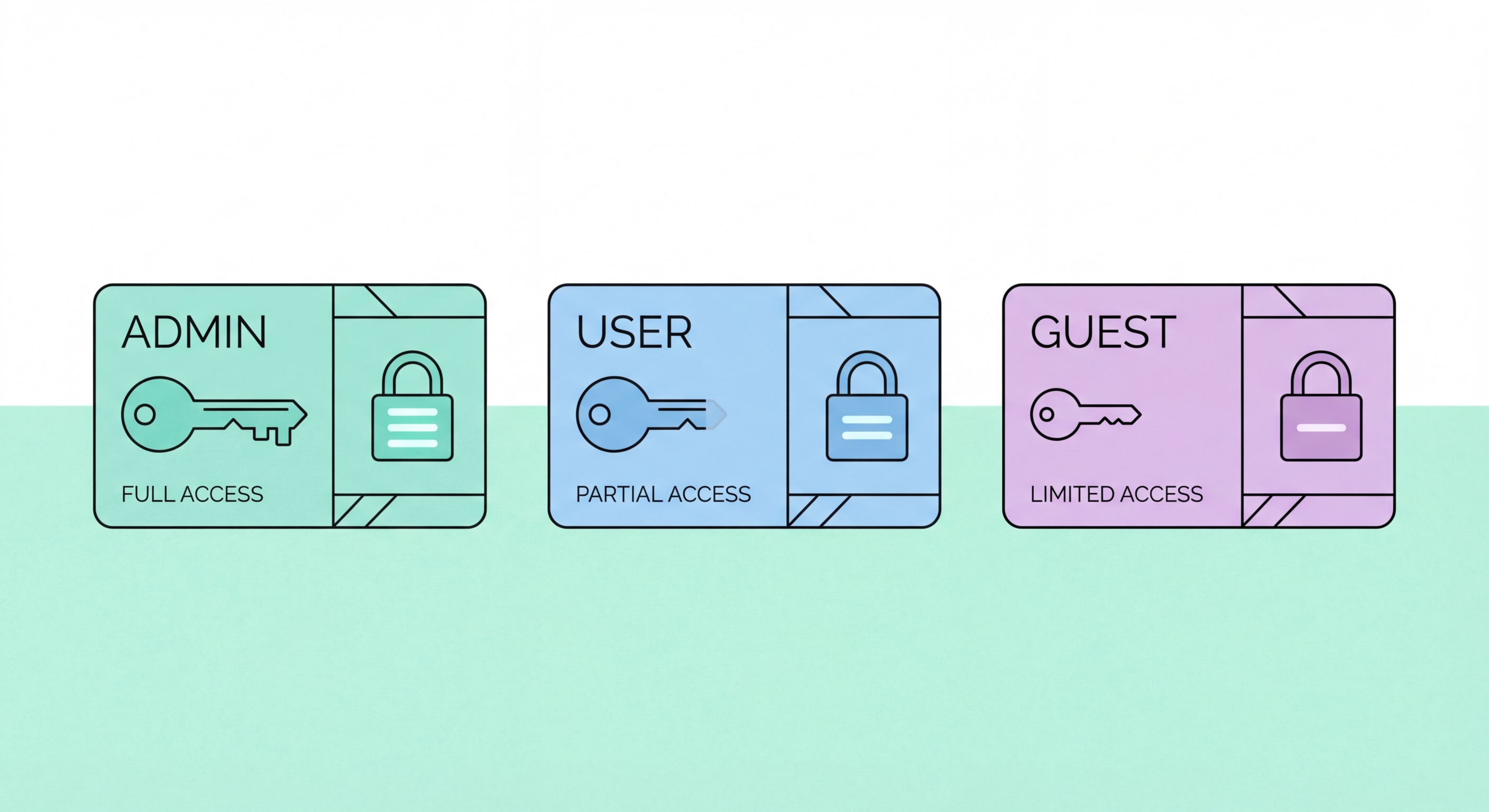
How to implement effective access control in your Hong Kong business — covering the principle of least privilege, user account lifecycle management, privileged access protection, and periodic access reviews.
The principle of least privilege — granting each user and system process only the minimum access required to perform their function, nothing more — is the foundational concept of access control. In practice, most Hong Kong SMEs significantly over-provision access: employees have access to far more systems and data than their roles require, administrators use privileged accounts for daily tasks, and service accounts run with domain administrator permissions when specific limited permissions would suffice. This over-provisioning amplifies the damage from compromised accounts — a phishing victim who has access to every file share in the organisation is far more damaging to exploit than one limited to their own working directory.
Implementing least privilege in a business context requires mapping access requirements role by role before granting access. A sales manager needs access to the CRM, shared sales documents, and their own email — not the accounting system, HR records, or server administration tools. An accounts payable clerk needs access to the accounting platform and vendor records — not customer database, engineering repositories, or IT admin portals. Defining these role-based access profiles in advance and using them to provision new accounts creates a consistent, auditable access framework rather than ad-hoc access grants that accumulate into excessive permissions over time.
The security benefit of least privilege is most visible in incident scenarios. When a ransomware operator compromises a standard user account with minimal privileges, they face significant additional work to escalate those privileges before they can reach valuable data and administrative tools. If the same user had been running as a local administrator (common in many HK SME environments where local admin is granted to avoid helpdesk calls for software installation), the attacker immediately has local admin privileges that can be used for credential harvesting and lateral movement. Removing local administrator rights from standard user workstations — one of the highest-impact single access control changes available to most SMEs — directly impedes the lateral movement phase of ransomware attacks.
Account lifecycle management — the processes governing how user accounts are created, modified, and deactivated — is where access control policy translates into operational practice. Three lifecycle events require specific procedures: joiners (new employees requiring account provisioning), movers (employees changing roles or departments whose access needs to change), and leavers (employees departing the organisation whose access must be promptly revoked). Each of these events is a point of access control risk. Failure to provision accounts correctly creates early over-permission. Failure to update access for role changes creates stale permissions. Failure to promptly deactivate leaver accounts creates ongoing access risk from former employees or their compromised credentials.
Leaver account deactivation is the most time-sensitive account lifecycle event. When an employee departs — whether voluntarily or involuntarily — their access to all systems must be revoked on or before their last day of employment. For involuntary departures (dismissal), access should be revoked simultaneously with notification to prevent data theft or sabotage. A leaver checklist should cover all access types: Active Directory or Microsoft Entra account deactivation, Microsoft 365 or Google Workspace account deactivation, VPN credentials revocation, cloud application access removal (Xero, Salesforce, HubSpot), physical access revocation (building access cards), and handover of any shared credentials held by the leaver (this also triggers those shared credentials requiring immediate rotation).
Orphaned accounts — accounts that remain active after the user they were created for has left or changed roles — are among the most commonly exploited access control weaknesses. Attackers who obtain a list of valid account names (easily obtained from many systems) can target dormant accounts that may not have password reset requirements, multi-factor authentication, or active monitoring, since these accounts never generate unusual activity baseline violations. Regular account audits comparing active accounts against current HR records identify orphaned accounts for deactivation. Microsoft Entra ID's access review feature, and equivalent functionality in Google Workspace Admin, can automate periodic access review workflows for HK businesses with cloud-based identity management.
Privileged accounts — domain administrators, local administrators, cloud super-administrators, database administrators, and other accounts with elevated access — are the highest-value targets in any network. Obtaining domain administrator credentials gives an attacker complete control over all systems in the Active Directory domain. Obtaining Microsoft 365 global administrator credentials provides access to all user mailboxes, all SharePoint and OneDrive content, and the ability to create new accounts and disable security controls. Protecting privileged accounts with controls substantially beyond those applied to standard user accounts is essential — the consequences of privileged account compromise justify the additional operational overhead.
Privileged account hygiene for HK SMEs should include: separate privileged accounts for administrators (a domain admin should have a standard user account for email and web browsing and a separate admin account used only for administrative tasks); MFA required for all privileged account usage (hardware security keys provide the strongest protection for the highest-privilege accounts); privileged accounts never used for browsing the internet or reading email (administrative work sessions should be conducted from dedicated jump servers or Privileged Access Workstations where possible); privileged account sessions logged and monitored; and the number of global admin or domain admin accounts minimised to the smallest number required for operational needs.
Just-in-time privileged access — where administrative privileges are granted for specific tasks and automatically expire after a defined period rather than being permanently assigned — represents the most secure approach to privileged access management. Microsoft Entra Privileged Identity Management (PIM), included in Microsoft Entra ID P2 licensing, provides just-in-time privileged access for Microsoft 365 and Azure environments, requiring administrators to request and justify elevation before receiving admin access for a limited time window. This means even if an admin's account is compromised, the attacker has a standard user account rather than permanent admin access. Smaller HK SMEs not running Azure/Entra can implement simpler versions of this through time-limited group membership and manual privilege elevation procedures.
Access creep — the gradual accumulation of permissions that exceeds what a user's role requires — is universal in organisations without active access review processes. Over time, employees accumulate access from project work, temporary role expansions, helpdesk grants, and departmental requests that are never removed when the justifying activity ends. A sales director who temporarily led an integration project may retain access to engineering repositories two years after the project concluded. A former HR manager who moved to a different department may still have access to the HR system's confidential compensation data. Periodic access reviews identify and remove these stale permissions before they are exploited.
Quarterly access reviews are best practice for Hong Kong businesses, focusing each cycle on a subset of critical systems rather than attempting comprehensive review of all systems simultaneously. A practical quarterly cadence might review: administrative accounts (Q1), cloud applications containing sensitive data (Q2), file server and SharePoint permissions (Q3), and VPN and remote access accounts (Q4). This rolling review approach ensures all critical access areas are reviewed annually while distributing the workload across the year. For Microsoft 365 environments, Entra ID Access Reviews provide automated review workflows where managers are asked to certify their team's continued need for specific access and any unreviewed access is automatically removed.
Documenting access review results — who conducted the review, which accounts were reviewed, what changes were made, and when — provides both operational evidence that access is actively managed and audit trail material that may be requested by insurers, regulators, or auditors. PDPO data minimisation obligations require that access to personal data is restricted to those with a legitimate need — access review documentation demonstrates ongoing compliance with this principle. For financial services firms regulated by the HKMA or SFC, access control documentation including access review records may be specifically requested during regulatory examinations. The cost of maintaining clean access review documentation is substantially lower than the cost of demonstrating compliance retrospectively during an examination or incident investigation.