Real-Time Antivirus Protection Explained: Why It Matters

Real-time protection monitors every file access, download, and process execution as it happens — intercepting threats before they can execute rather than finding them after the damage is done.

Real-time antivirus protection
1How Real-Time Protection Works

The Technical Mechanics of Real-Time Antivirus Monitoring

Real-time protection (also called "on-access scanning" or "resident shield") works by registering with the operating system's file system filter driver architecture to receive notification of every file access event — whenever any file is opened, copied, downloaded, written, or executed. When such an event occurs, the antivirus intercepts it, scans the file before the requesting process can access it, and either allows the access or blocks it and alerts the user. This interception happens at the kernel level, before the file reaches any user-space application, which is why real-time protection can prevent malware from executing even when a user has double-clicked an infected file.

Modern real-time protection extends well beyond file access monitoring. Web protection components hook into browser processes to inspect URLs before they load, checking each address against real-time databases of known malicious and phishing sites maintained in the cloud. Download scanning inspects files as they're received over HTTP/HTTPS, before they're written to disk or accessible to the browser. Process monitoring watches the behaviour of running processes, not just files — if a legitimate process suddenly begins exhibiting malware-like behaviour (unexpected network connections, attempts to read browser credential storage, attempts to inject code into other processes), behavioural protection can terminate it. Memory scanning periodically inspects RAM for malware that exists only in memory (fileless malware) without ever writing to disk.

The performance impact of real-time protection is the primary concern users cite when they consider disabling it. On modern hardware, well-engineered real-time protection has minimal perceptible impact — the entire scan-and-check cycle for most file accesses takes microseconds. The products with the lowest performance impact in independent AV-TEST performance testing (ESET, Bitdefender, and F-Secure regularly achieve top scores here) have invested heavily in engineering scan efficiency: caching results for files that haven't changed, using cloud lookups for fast hash-based decisions rather than full local scans, and prioritising scan depth based on file type and risk profile. If real-time protection is noticeably degrading performance, the solution is to switch to a lighter product — not to disable protection entirely.

  • File System Filter Driver: Hooks at kernel level to intercept every file access before the requesting process reaches the file.
  • Pre-Execution Scanning: Files are scanned before they can execute — malware is blocked before code runs.
  • Web Protection: URL inspection before page loads — blocks malicious and phishing sites in real time.
  • Download Scanning: Files inspected during download, before they're accessible or can be opened.
  • Behavioural Monitoring: Watches process actions, not just files — detects malware behaviour regardless of file origin.
  • Memory Scanning: Inspects RAM for fileless malware that never writes to disk.
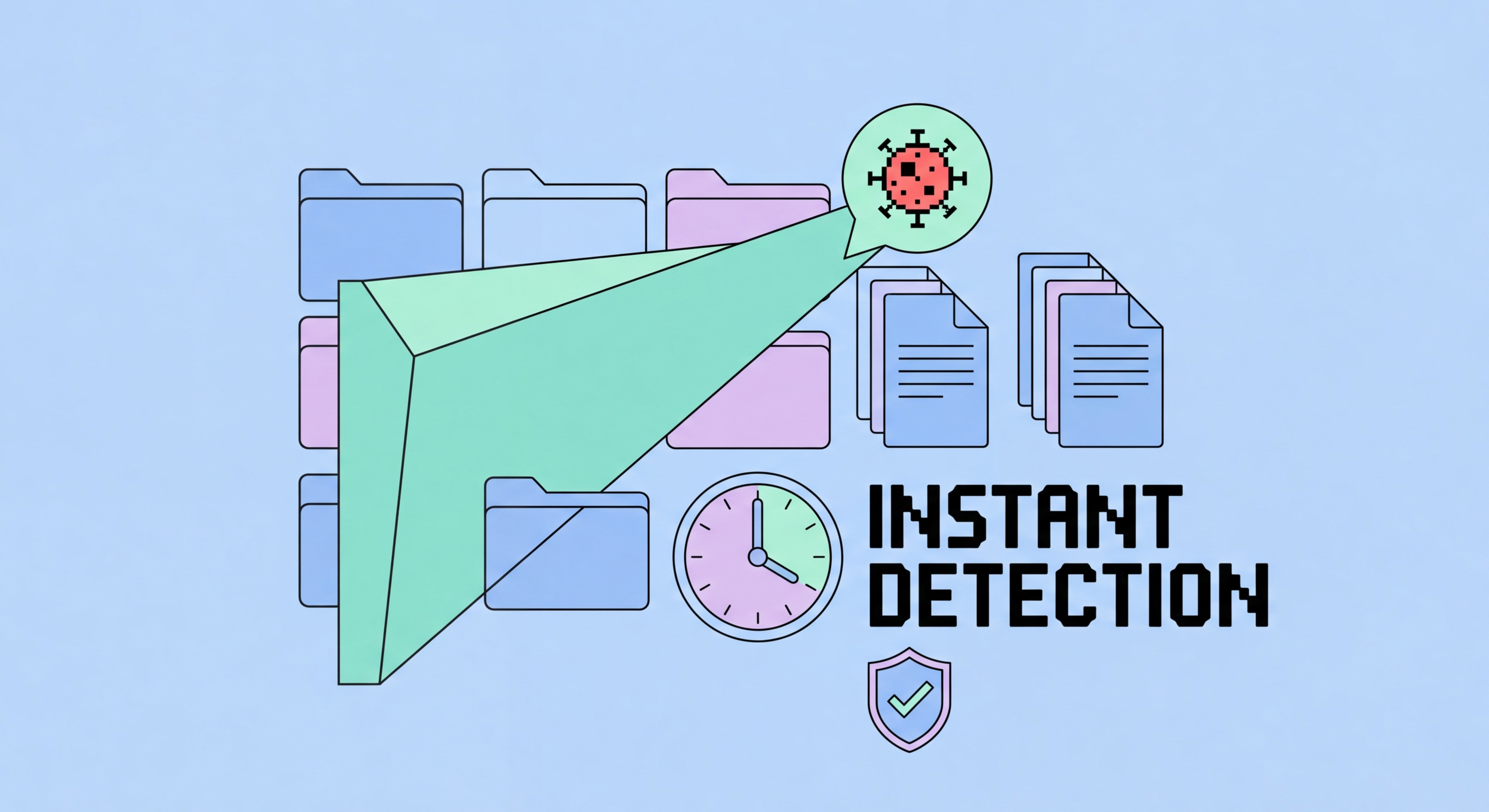
How real-time antivirus protection works
2Real-Time vs Scheduled Scans

Why Scheduled Scans Alone Are Insufficient for Modern Threats

Scheduled scans — running a full system scan on a defined schedule, such as weekly — were the primary protection model for early antivirus software. In an era when malware spread slowly via physical media and new threats emerged gradually, a weekly scan could detect recent infections before significant damage occurred. The modern threat environment has made scheduled-only scanning dangerously inadequate. Ransomware can encrypt thousands of files in minutes. Banking trojans capture credentials in real time as users log into financial sites. Credential stealers transmit data immediately upon capturing it. By the time a weekly scheduled scan runs, the damage from these fast-acting threats is long complete.

Scheduled scans still have a role, but it's supplementary rather than primary. A full system scan on a regular schedule can catch threats that have been dormant and not triggered file access since infection, malware that evaded initial real-time detection (perhaps through polymorphic code that signature databases subsequently caught up to), and threats introduced through unusual vectors that real-time monitoring might have missed. Think of it as a safety net rather than a primary defence. The appropriate configuration is real-time protection always active as the primary layer, with a scheduled full scan weekly or monthly as a background verification check.

The most critical real-time protection gaps users create are: disabling antivirus for gaming or performance (creating a window where any file access or download is unmonitored), installing pirated software while temporarily disabling antivirus (precisely the scenario that delivers trojans), and using antivirus products configured for "scheduled scan only" mode to reduce background resource usage. Cloud gaming services, video editing, and music production do run heavy workloads where antivirus performance overhead can be noticeable — the correct response is to choose an antivirus with excellent performance scores (ESET NOD32 is particularly well-regarded for lightweight operation) and use gaming mode features that suspend non-critical operations during intensive tasks, rather than disabling protection entirely.

  • Scheduled Scan Limitation: Weekly scans can't prevent ransomware that encrypts in minutes or trojans that steal in real time.
  • Real-Time as Primary: Real-time protection is the core layer — scheduled scans are a supplementary verification check.
  • Scheduled Scan Value: Catches dormant threats, newly-signatured malware that was initially missed, unusual infection vectors.
  • Gaming Mode: Use built-in gaming modes that reduce non-critical operations rather than disabling protection.
  • Lightweight AV: ESET NOD32 and Bitdefender achieve minimal performance impact — no need to disable for performance.
  • Never Disable for Installs: Disabling AV "to install software" is the scenario that most commonly delivers trojans.
Real-time vs scheduled scanning
3Components of Real-Time Protection

The Full Scope of Modern Real-Time Protection Modules

Modern antivirus suites bundle multiple real-time protection components that work together. The file system shield (on-access scanner) provides the base layer described above. The web shield operates as a proxy for browser traffic, inspecting HTTP/HTTPS content for malware payloads and checking URLs against malicious site databases. Email protection scans incoming and outgoing email attachments and embedded links — important because phishing and malicious attachments are the primary initial infection vector for enterprise malware. Network monitoring watches for suspicious outbound connections that may indicate malware communicating with command-and-control servers, or inbound connection attempts that suggest external attack activity.

Exploit protection modules — included in products like Malwarebytes Premium, ESET, and Bitdefender — operate differently from malware scanning. Rather than detecting specific malware, exploit protection hardening techniques make the application environment more resistant to exploitation in the first place: heap spray protection, stack overflow detection, return-oriented programming (ROP) mitigation, and process hollowing detection. These techniques protect against zero-day exploits targeting browser and document rendering vulnerabilities — threats that by definition have no signature yet. Exploit protection is most valuable for users who frequently open PDF and Office documents from external sources, or who run older software versions that may contain unpatched vulnerabilities.

Ransomware-specific real-time modules add additional layers beyond general malware detection. Controlled Folder Access (Windows Defender) and equivalent features in commercial products (Bitdefender's Protected Folders, ESET's Ransomware Shield) add a permission layer on top of file system access: designated important folders can only be modified by explicitly whitelisted applications, regardless of whether the modifying process is identified as malware. This behaviour-based protection stops even novel, previously unknown ransomware variants — no signature needed — because the encryption behaviour (mass file modification) triggers the protection rather than the malware's identity. Combined with cloud-based threat intelligence that updates signatures within minutes of a new variant being observed globally, modern real-time protection provides defence-in-depth against both known and novel ransomware.

  • File System Shield: On-access scanner for all file interactions — the foundational real-time protection layer.
  • Web Shield: Browser traffic proxy inspecting URLs and content for malicious payloads.
  • Email Protection: Attachment scanning and link inspection for incoming and outgoing messages.
  • Network Monitor: Watches for malware C2 communications and suspicious inbound connection attempts.
  • Exploit Protection: Hardens application memory environment against zero-day exploit techniques.
  • Ransomware Shield: Protected folders with whitelist-based write permissions — stops unknown ransomware behaviourally.
Real-time protection components
4Choosing the Right Protection

Evaluating Real-Time Protection Quality When Choosing Antivirus

When evaluating antivirus products for real-time protection quality, AV-TEST's real-world protection tests provide the most relevant data. These tests measure detection rates against malware samples discovered in the 0-4 week period before testing — measuring how well products protect against current, active threats rather than older catalogued samples. Products like Bitdefender, Kaspersky, and Norton consistently achieve 99.8–100% real-world protection in these tests. Any product scoring below 98% in real-world protection tests should be treated with scepticism — the 1–2% gap represents real malware that reaches and damages user systems. The test methodology, sample sources, and detailed results are publicly available at av-test.org.

AV-Comparatives' Real-World Protection Tests and Business Security Tests provide complementary data, particularly useful for evaluating products' false positive rates alongside detection rates. A product that blocks 100% of malware but also blocks legitimate software excessively creates significant usability problems — particularly in business environments where false positives can disrupt critical applications. The ideal product achieves high detection rates with low false positive rates simultaneously; the AV-Comparatives Advanced+ rating indicates a product has achieved this balance. Products with many false positives in business testing may require extensive exclusion management that reduces effective protection or creates administrative burden.

For Hong for Hong Kong SMEs: Where to Start">for Hong Kong Users">Kong users specifically, evaluating web shield and phishing protection quality is particularly important given the volume of phishing campaigns targeting the region. SE Labs and AV-Comparatives both publish phishing protection tests showing how well different products block phishing URLs — these are separate from malware detection tests and reflect a distinct protection capability. Products vary significantly here: some products with excellent malware detection scores have mediocre phishing detection, and vice versa. Norton and Bitdefender consistently perform well in both categories. For users who primarily face phishing and social engineering attacks (the most common threats for individual Hong Kong users) rather than sophisticated malware, phishing protection quality deserves significant weight in the selection decision.

  • AV-TEST Real-World Tests: Measures detection against current 0–4 week old malware — most relevant real-time protection benchmark.
  • Target Score: Look for 99%+ real-world protection — below 98% represents meaningful unprotected exposure.
  • AV-Comparatives Advanced+: Indicates high detection with low false positive rate — both matter for usability.
  • False Positive Impact: Products with many false positives disrupt legitimate apps — check usability scores.
  • Phishing Protection Tests: SE Labs and AV-Comparatives publish separate phishing detection scores — weight for HK threat landscape.
  • Top Performers: Bitdefender and Norton consistently achieve top marks in both malware and phishing protection categories.
Best antivirus for Hong Kong 2026 →
Choosing real-time antivirus

Get Real-Time Protection That Actually Stops Threats

Find the best antivirus for Hong Kong with top-rated real-time protection — tested against current threats by independent labs.

Related VPN Articles