Ransomware can be stopped before it encrypts a single file — with the right combination of antivirus settings, backup strategy, and network hygiene. This guide covers every layer of ransomware defence.
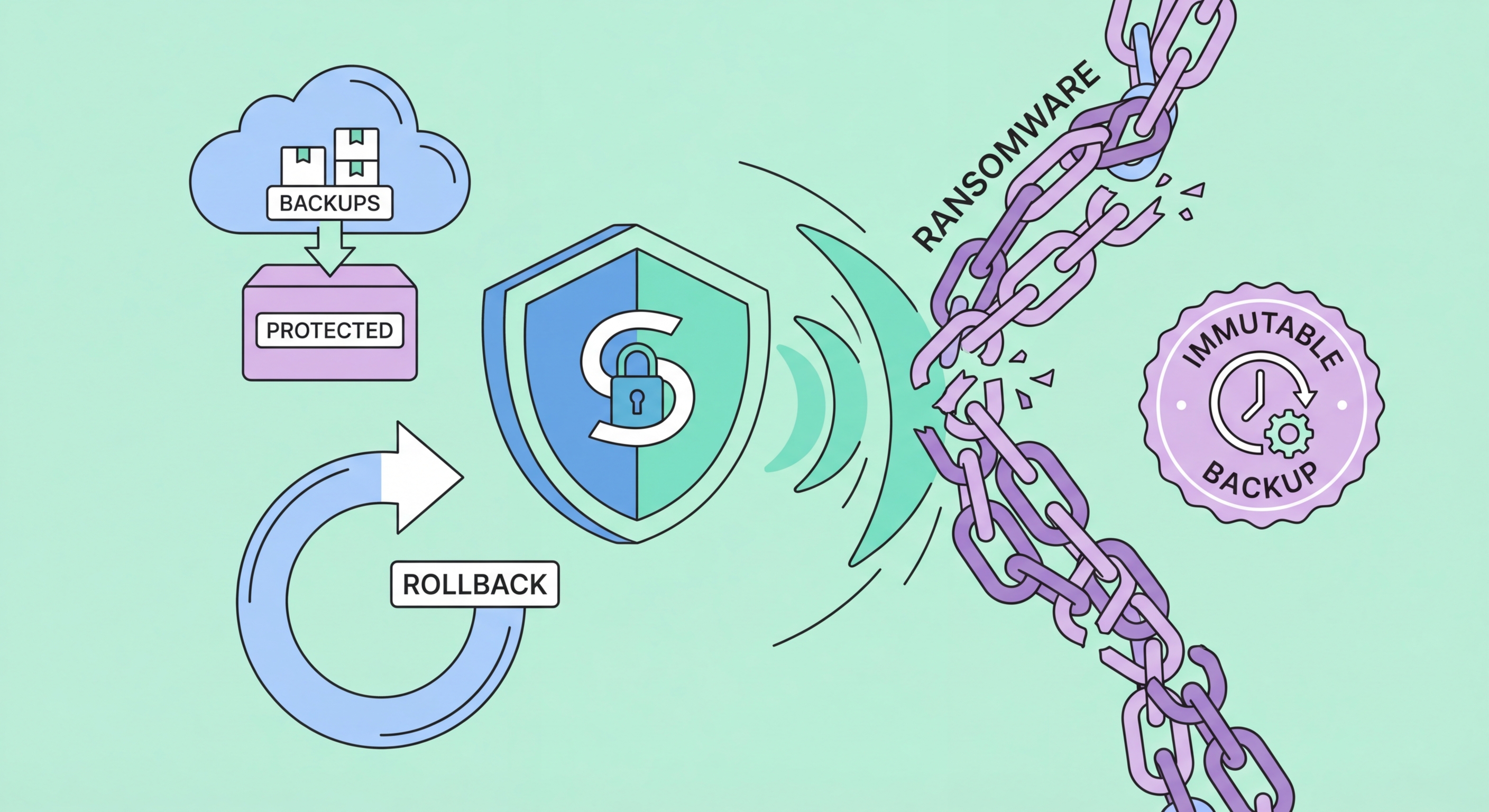
A modern antivirus with dedicated ransomware protection is the first line of defence against encryption attacks. Products like Bitdefender, Malwarebytes Premium, and ESET include specific anti-ransomware modules that go beyond general malware detection. These modules use behavioural monitoring to identify the characteristic patterns of ransomware activity — rapid file enumeration followed by mass file reads and writes, modification of file extensions, deletion of shadow copies — and terminate the responsible process before significant damage occurs. Bitdefender's Ransomware Remediation feature is particularly noteworthy: it maintains protected backups of files being modified, enabling recovery of recently changed files even if encryption was partially completed before detection.
Controlled Folder Access (CFA), available in Windows 10/11 via Windows Defender, is an underutilised ransomware-specific protection layer available at no cost. When enabled, CFA prevents unauthorised applications from modifying files in protected folders (Documents, Pictures, Desktop, and any additional folders you designate). Ransomware attempting to encrypt files in protected folders will be blocked and an alert generated. The main management overhead is whitelisting legitimate applications that need access to protected folders — a modest one-time configuration investment for meaningful protection. Enterprise products like Microsoft Defender for Endpoint extend this capability with more sophisticated application control policies.
Patch management is a critical ransomware prevention layer. A significant proportion of ransomware attacks — including the catastrophic WannaCry outbreak of 2017 — exploited known vulnerabilities for which patches had been available for weeks or months before the attack. WannaCry leveraged the EternalBlue vulnerability (MS17-010) that Microsoft had patched in March 2017; organisations that hadn't applied the patch were devastated two months later. For Hong for Hong Kong Online Banking: What You Need to Know">for Hong Kong Online Banking: A Complete Guide">for Hong Kong SMEs: Where to Start">for Hong Kong Businesses">Kong businesses, maintaining a current patch status on all operating systems, applications, and network equipment dramatically reduces the attack surface for ransomware delivered via vulnerability exploitation rather than phishing.
The most effective ransomware mitigation for data recovery is a backup strategy that ensures at least one backup copy is always beyond the reach of any ransomware that might infect your systems. The 3-2-1 rule is the baseline standard: maintain three copies of important data, stored on two different media types, with one copy off-site or offline. For ransomware specifically, the critical requirement is that the off-site copy must be either physically disconnected (offline/air-gapped) or logically immutable — stored in a way that a ransomware process running on your computer cannot overwrite or encrypt it.
Cloud backup services with versioning provide an effective ransomware-resilient off-site copy for most users. Services like Backblaze, Acronis True Image, and IDrive maintain multiple historical versions of files. Even if ransomware encrypts your files and those encrypted versions sync to cloud storage, the previous unencrypted versions are preserved in version history and can be restored. The key is verifying that the version history is actually maintained and accessible — some basic cloud sync services (like basic OneDrive or Dropbox plans) may only retain 30 days of versions, while paid tiers typically offer extended version history. Microsoft 365 subscribers have access to OneDrive Vault and 1-year version history for ransomware recovery.
For businesses, backup architecture needs to account for the fact that ransomware operators specifically target backup infrastructure. Sophisticated ransomware will attempt to access and encrypt backup servers, NAS devices on the same network segment, and even cloud backup credentials stored on infected systems. Enterprise ransomware protection best practices include: using immutable backup storage (AWS S3 Object Lock, Azure Immutable Blob Storage) that prevents modification or deletion for a defined retention period; maintaining backup credentials in a separate secrets management system rather than on the backup server itself; testing backup restoration regularly (a backup you've never tested is an unknown quantity); and considering tape backup as an air-gapped medium for the most critical data.
Once ransomware gains initial access to one system, network architecture determines whether it remains contained to that device or spreads to encrypt everything on the network. Network segmentation — dividing the network into isolated segments so that devices in one segment cannot freely communicate with devices in another — is the primary containment strategy. A ransomware infection on an employee's workstation should not be able to reach production servers, backup systems, or other workstations on a different network segment. Implementing VLANs (Virtual LANs) to separate user workstations, servers, and management systems dramatically limits lateral movement.
Remote Desktop Protocol (RDP) is the most commonly exploited initial access vector for ransomware targeting businesses. Thousands of Hong Kong businesses expose RDP directly to the internet on port 3389, creating an easily discoverable attack surface. Attackers use automated scanning tools to find exposed RDP services, then attempt credential-stuffing attacks using leaked username/password combinations, or exploit unpatched RDP vulnerabilities. The straightforward remediation is: never expose RDP directly to the internet. Instead, require VPN authentication before RDP access is possible, limit RDP access to only users who genuinely need it, enable Network Level Authentication, and consider deploying a dedicated RDP gateway or virtual desktop infrastructure for remote access.
Least-privilege access controls are a critical ransomware mitigation that limits the damage an attacker can cause after gaining initial access. If a ransomware operator compromises a standard user account, they have access only to that user's files — not to shared drives, backup systems, or other users' data. But if that account has local administrator rights (common in many HK SMEs where users are given admin rights for convenience), the ransomware can spread far more aggressively and disable security tools. Implementing the principle of least privilege — users have only the access rights they need for their job function — combined with Privileged Access Management (PAM) for administrative accounts substantially limits ransomware impact.
Every organisation should have a documented ransomware incident response plan before an attack occurs — not during one. Under the stress and time pressure of an active attack, decision quality degrades significantly. A pre-prepared plan designates who has authority to make decisions (including the pay/don't-pay decision), who to call (IT support, cyber insurance provider, legal counsel, law enforcement), what the immediate technical steps are (network isolation, evidence preservation), and what communications go out to staff, customers, and regulators. For Hong Kong businesses subject to PDPO obligations, the plan must include assessment of whether the attack triggers personal data breach notification duties and the timeline for that process.
Cyber insurance has become an important component of ransomware preparedness for businesses. Cyber insurance policies can cover ransomware ransom payments (whether or not to pay is still a separate decision), incident response costs (forensic investigation, recovery specialists), business interruption losses during downtime, and third-party liability if customer data is compromised. The HK cyber insurance market has grown substantially, with Lloyd's, AIG, Chubb, and several local insurers offering relevant products. Underwriters now typically require evidence of basic security controls (MFA, backup procedures, patch management) before issuing or renewing policies — the insurance application process is itself a useful security maturity assessment exercise.
Staff training and phishing awareness are the most underinvested ransomware prevention measures relative to their effectiveness. The majority of ransomware infections begin with a human action — clicking a malicious email attachment, entering credentials on a phishing page, or downloading software from an untrusted source. Regular security awareness training that teaches employees to recognise phishing indicators (sender address anomalies, urgency language, unexpected attachment requests, mismatched URLs) and simulated phishing exercises that test and reinforce training are consistently among the most cost-effective security investments. For Hong Kong businesses, training must account for both English and Traditional Chinese phishing content, as regional attackers frequently target Cantonese-speaking users with Chinese-language lures.