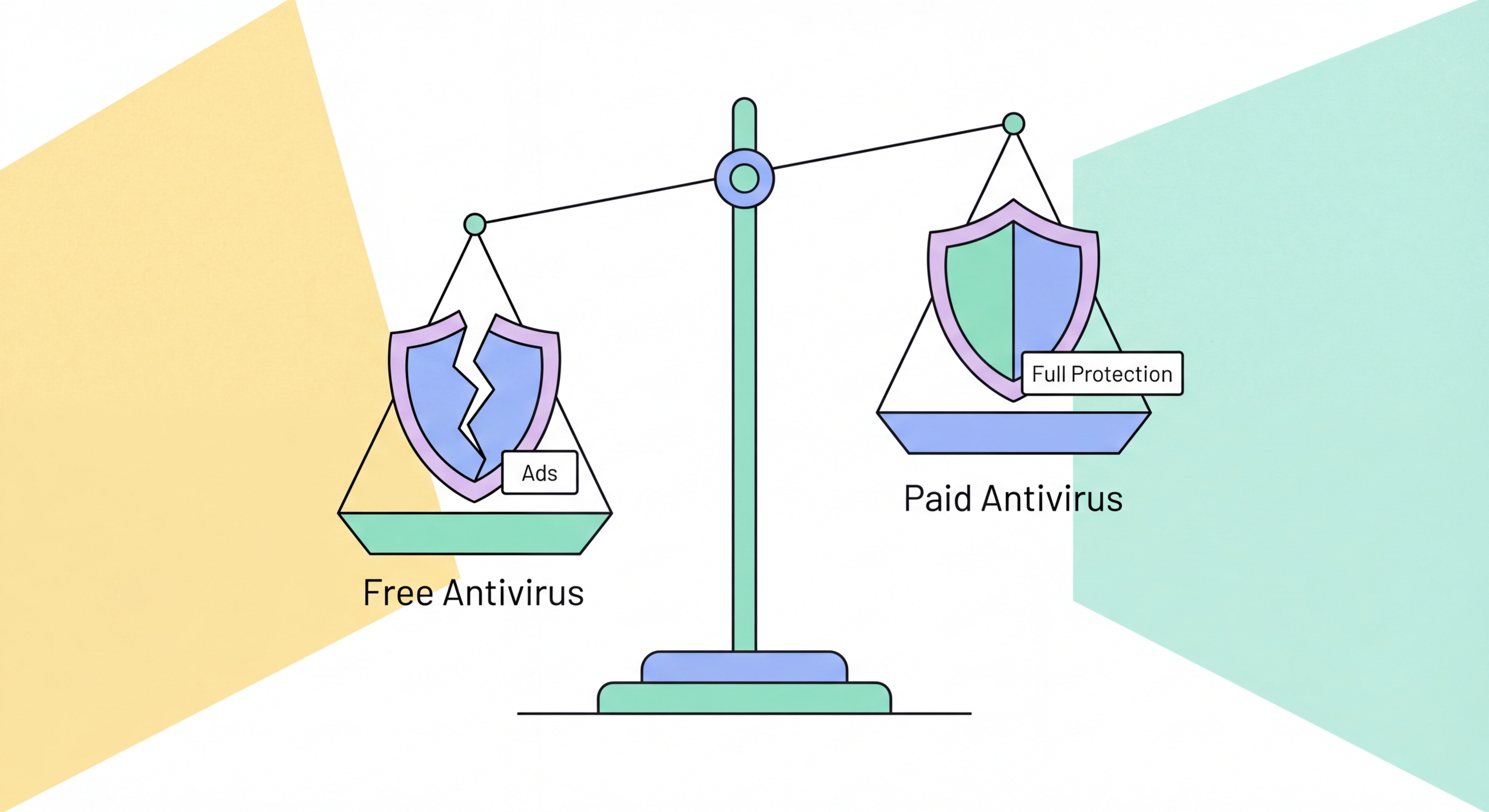
Free antivirus software ranges from genuinely protective to privacy-invasive. This honest review covers Windows Defender, Avast Free, AVG Free, and Malwarebytes Free — what they cover, what they miss, and the trade-offs involved.
Windows Defender (officially Microsoft Defender Antivirus) is built into Windows 10 and 11 and provides active protection at no additional cost. It has improved dramatically in quality over the past decade — early versions were significantly behind commercial competitors, but Microsoft has invested heavily in Defender's detection capabilities and it now scores respectably in independent testing. AV-TEST regularly rates Microsoft Defender with 5.5–6.0/6.0 in protection scores, and AV-Comparatives awards it Advanced or Advanced+ ratings in real-world protection tests. For users who want zero additional cost and zero additional software to manage, Windows Defender is a legitimate baseline that provides real protection against the majority of common threats.
Windows Defender's strengths are its deep OS integration and automatic updates. Because Microsoft controls both the operating system and the security software, Defender has access to Windows internals that third-party products cannot match — including Windows-native security features like SmartScreen (URL and download reputation checking), Controlled Folder Access (Hong Kong Businesses: Implementation Guide">for Hong Kong Online Banking: What You Need to Know">for Hong Kong Online Banking: A Complete Guide">for Hong Kong SMEs: Where to Start">for Hong Kong Businesses">ransomware protection for designated folders), and integration with Windows Security Center for a unified security status view. Definition updates are delivered through Windows Update automatically, ensuring Defender stays current without requiring user action. For non-technical users who won't actively manage their security software, the automatic maintenance is a significant advantage.
Windows Defender's limitations compared to commercial products are real but may or may not be significant depending on the user's risk profile. Independent testing shows that Defender's detection rates, while respectable, consistently fall slightly below the top commercial products in real-world protection tests — typically 98–99% vs 99.5–100% for the best commercial options. That 1–2% gap represents real malware that reaches systems protected by Defender but would be blocked by competing products. Phishing URL detection quality is also generally below commercial products — an important gap given that phishing is the most common threat HK users face. Ransomware protection lacks the dedicated remediation modules that paid products include. For users with average risk profiles and careful browsing habits, Defender is adequate. For those who handle financial data, business information, or anyone in a higher-risk category, the paid tier provides meaningful additional protection.
Avast and AVG are the same company — Avast acquired AVG in 2016 — and their free antivirus products share the same underlying detection engine and technology. Both achieve consistently strong AV-TEST protection scores (typically 6/6) and include real-time protection, web browsing protection, and email scanning in their free tiers. For raw malware detection performance, Avast Free and AVG Free are genuinely competitive with paid alternatives. The free versions include more features than Windows Defender: dedicated phishing protection, Wi-Fi network scanning, and a password manager (in Avast) are included without payment. For users who want a feature-rich free antivirus with strong detection scores, both are technically capable options.
The significant issue with Avast (and by extension AVG) is the company's documented history of monetising user data. In 2020, a joint investigation by Motherboard and PCMag revealed that Avast's subsidiary Jumpshot was selling highly detailed user browsing data — collected through the Avast browser extension and antivirus product — to major corporations including Google, Microsoft, Pepsi, McKinsey, and Home Depot. The data included detailed clickstream records: every search query, every page visit, every product click, with a unique device ID that allowed behaviour tracking over time. Avast shut down Jumpshot following the investigation and public backlash, and has updated its data collection practices. However, the episode raised fundamental questions about the sustainability of a free antivirus business model and what data may still be collected and used.
For Hong Kong users who prioritise privacy and are concerned about their browsing data being shared with third parties, Avast and AVG Free are not the ideal choice given this history. The alternative is Windows Defender, which Microsoft funds through operating system licensing rather than data monetisation, or investing in a paid antivirus product with transparent data practices. For users who primarily need strong detection rates and don't handle particularly sensitive information, Avast Free and AVG Free remain technically capable options — but users should review the current data collection settings carefully and consider whether the trade-off is acceptable. Opting out of non-essential data collection is available in both products' settings.
Malwarebytes Free is not a standalone real-time antivirus — it provides on-demand scanning only, with no real-time background monitoring. This means it won't protect you as threats are encountered in real time; it detects what's already on the system when you run a manual scan. This limitation makes it unsuitable as a sole security product. However, Malwarebytes Free remains exceptionally valuable as a complementary on-demand scanner used alongside a primary antivirus product. Its specific strengths — aggressive detection of potentially unwanted programs (PUPs), adware, and the malware families that traditional antivirus is sometimes conservative about flagging — complement rather than duplicate what Windows Defender or commercial antivirus provides.
The original use case for Malwarebytes — second-opinion scanning to find malware that your primary antivirus missed — remains valid and useful. When you suspect a device is infected despite the primary antivirus reporting clean, or after a suspected infection has been removed and you want to verify the cleanup was complete, running a Malwarebytes Free scan provides a complementary perspective. IT professionals and security-conscious users routinely keep Malwarebytes Free installed alongside their primary antivirus for exactly this purpose. The combination of primary AV (real-time protection) + Malwarebytes Free (on-demand second opinion) is a sound, low-conflict security configuration that provides complementary coverage without the performance conflicts that arise from two real-time protection products.
Malwarebytes Premium adds real-time protection, turning Malwarebytes from a complementary tool into a primary security product. The premium tier includes real-time malware protection, web protection (malicious URL blocking), exploit protection, and brute force attack protection. In independent testing, Malwarebytes Premium performs competitively with traditional antivirus products. Its pricing is typically lower than major antivirus suites — approximately HK$270/year for a single device — making it an attractive option for budget-conscious users who want paid-tier real-time protection. For users who primarily face PUP/adware threats (common in the APAC region) and want strong exploit protection (valuable for users who can't always keep software current), Malwarebytes Premium addresses those use cases well.
Free antivirus provides meaningfully better protection than nothing — and "nothing" is still the reality for a significant proportion of devices globally, particularly older smartphones and computers running outdated operating systems without any active protection. For users who cannot afford paid antivirus and are choosing between free protection and none, Windows Defender (if running Windows 10/11) or Avast/AVG Free (with privacy settings reviewed) are genuine improvements in security posture. Free antivirus combined with careful browsing habits, strong passwords, 2FA on important accounts, and current OS updates provides adequate protection against the majority of opportunistic threats that most users face.
The genuine limitations of free antivirus become significant in specific contexts. Ransomware protection is the most significant gap: free antivirus products don't include the dedicated ransomware remediation modules (file backup and rollback after encryption attack) that paid products offer. For users who have important files that aren't backed up and can't afford to lose (business documents, family photos, years of work), this gap is consequential — ransomware protection in paid products is meaningful insurance. Phishing detection quality in free products is generally lower than in paid alternatives — relevant given that phishing is the primary threat vector for most Hong Kong users. And for anyone who handles other people's personal data (in a business or professional capacity), the standard of care increasingly requires paid-tier protection.
The cost argument for paid antivirus is compelling in the Hong Kong context. A Bitdefender plan for 3 devices costs approximately HK$250–350 per year during typical sale pricing — available throughout the year, as antivirus vendors run frequent promotions. Compare this to the potential downside: ransomware targeting an individual user in HK has demanded anywhere from HK$3,000 to HK$50,000+ in reported cases. The cost of identity theft remediation — freezing credit, disputing fraudulent accounts, dealing with legal consequences of misused personal data — is higher still. The annual cost of paid antivirus represents a small fraction of the potential loss from a single successful attack. Our recommendation for most Hong Kong users is paid antivirus, calibrated to budget: Bitdefender Total Security for most, ESET for the technically inclined, or Norton 360 for those who want a comprehensive all-in-one suite.